Feature guides
Learn LlamaPresenter, one feature at a time
Each guide explains what a feature does, why it is useful, and how to use it during a church service.
17 guides · about 92 minutes of reading
Start here · 6 min read
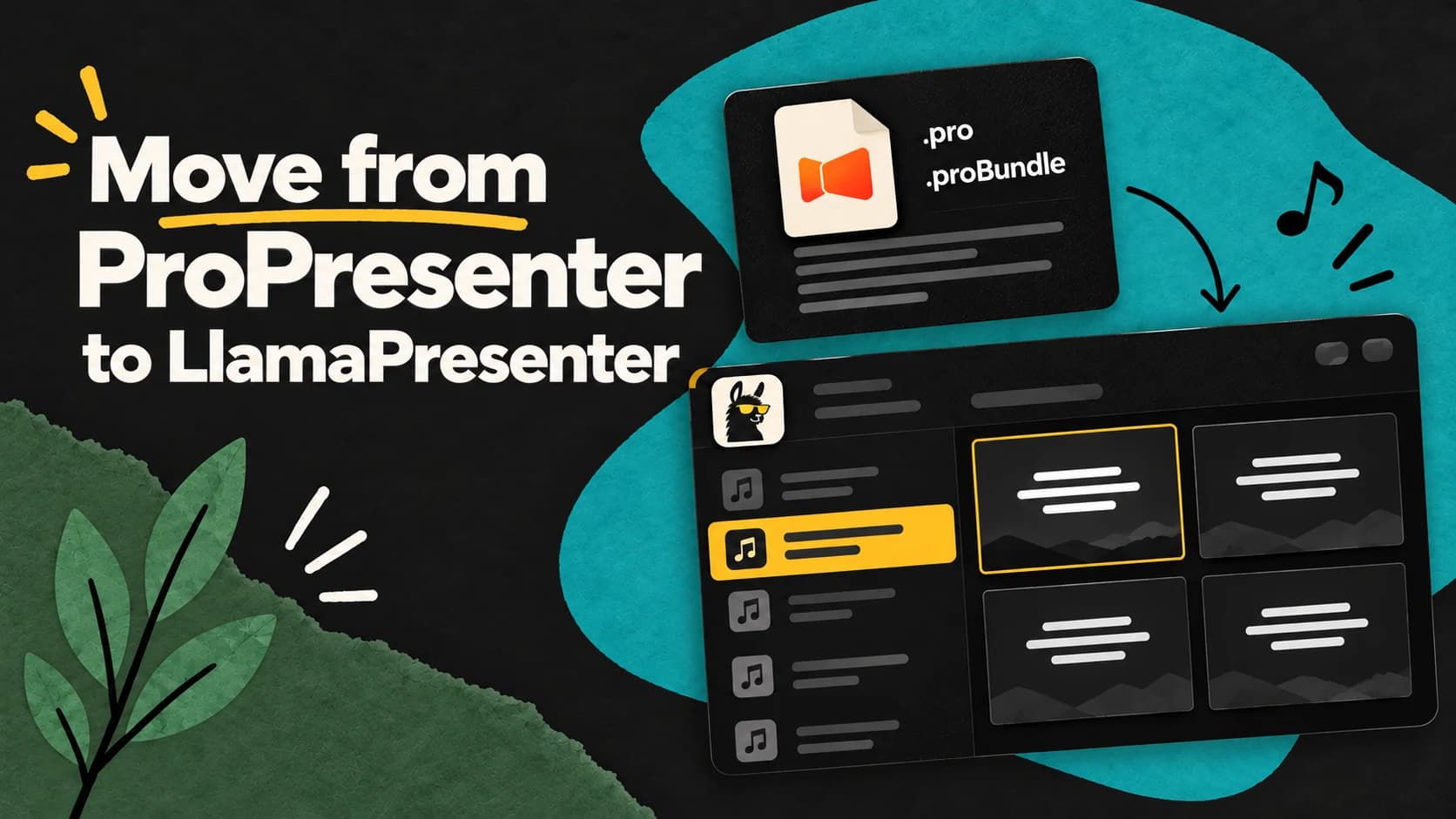
Migrate from ProPresenter
Bring your ProPresenter song lyrics across and get comfortable with familiar screens, Looks, layers, and service cues.
Read the guideExplore every feature
16 more guides
 5 min read
02
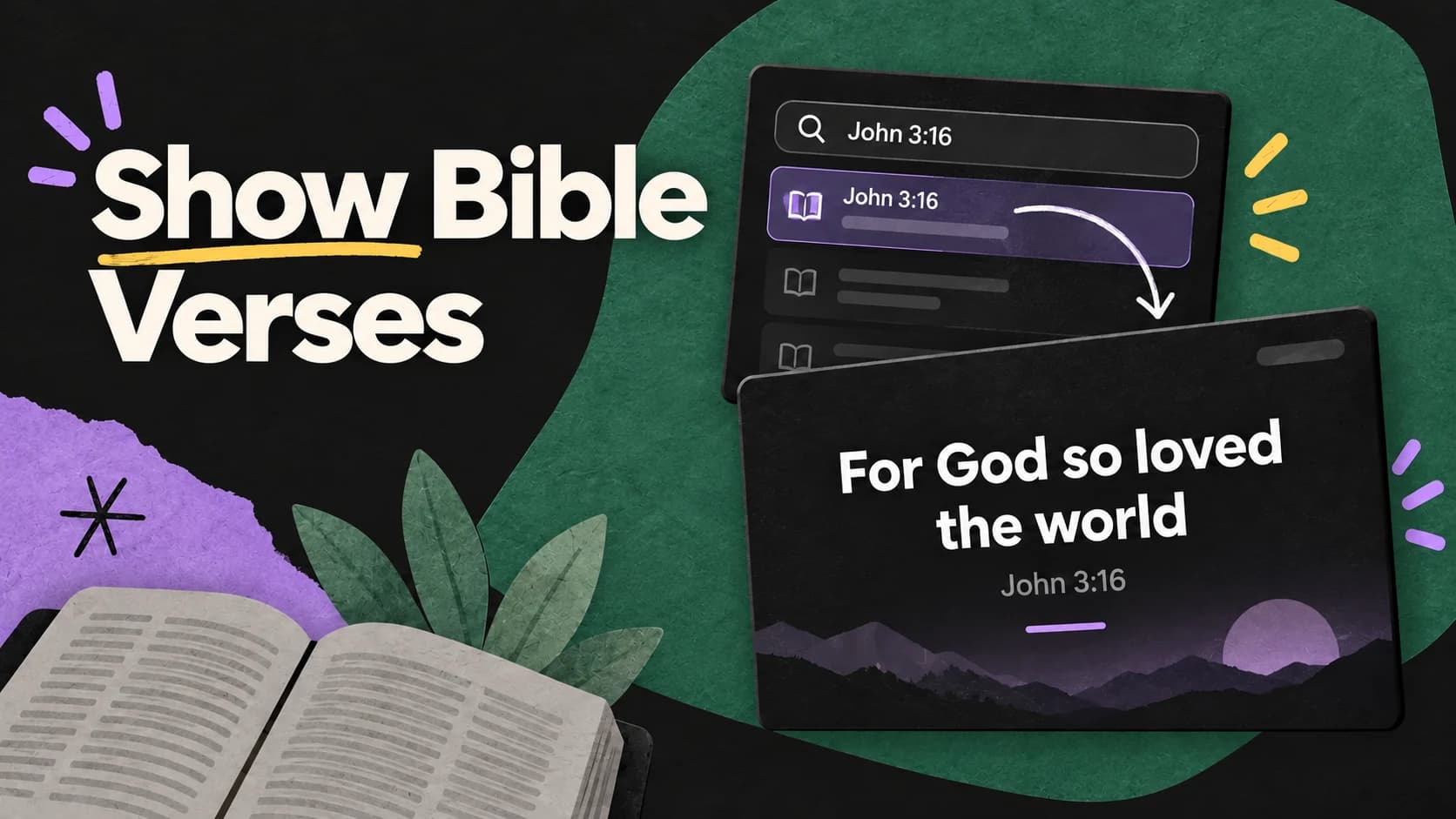
Show Bible Verses
How to find a Bible passage, choose a verse range, organize readings, and show scripture with a clear layout.
Read the guide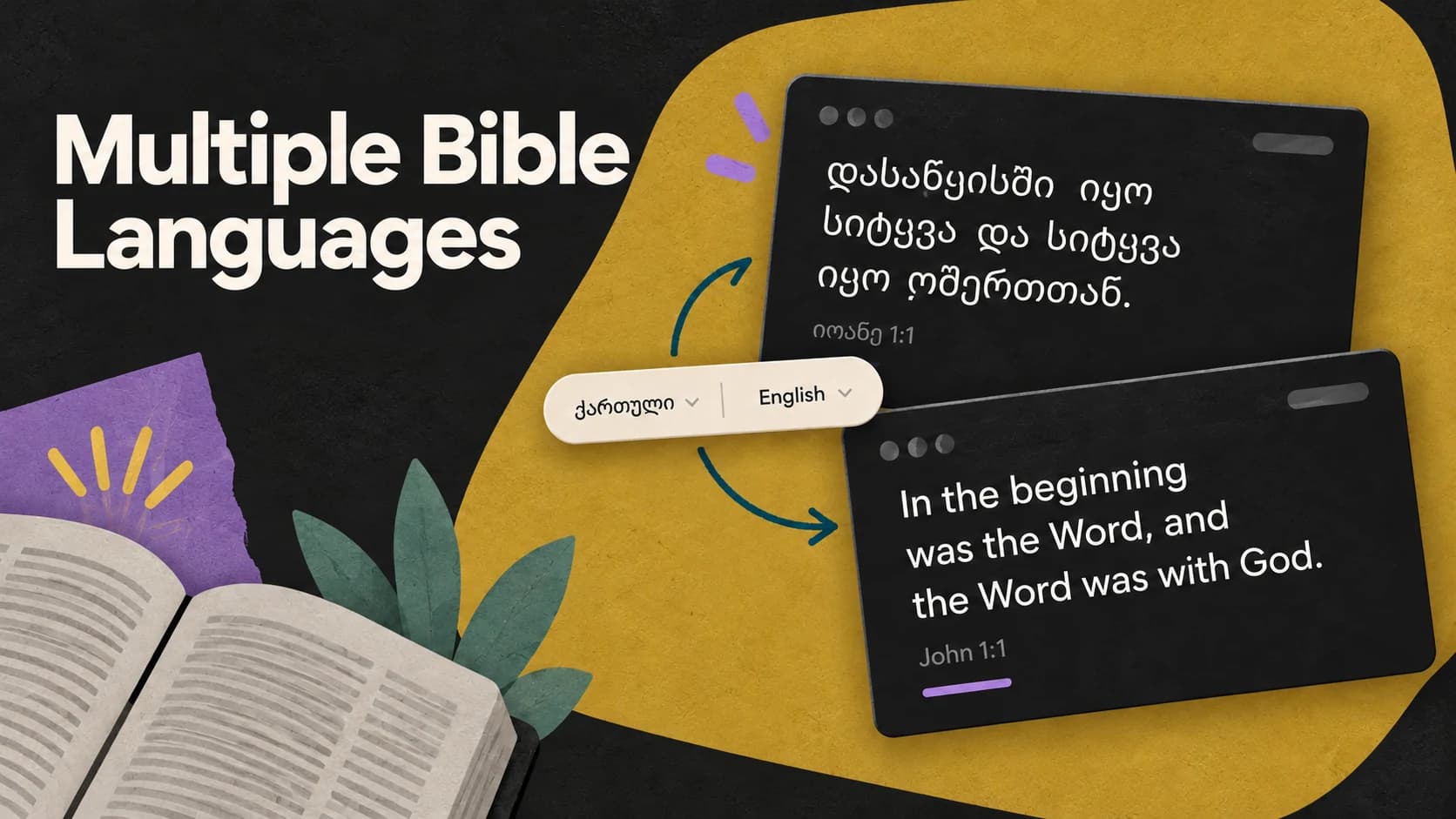 4 min read
03
Multiple Bible Languages
How to show multiple Bible translations together and choose which languages appear on each screen.
Read the guide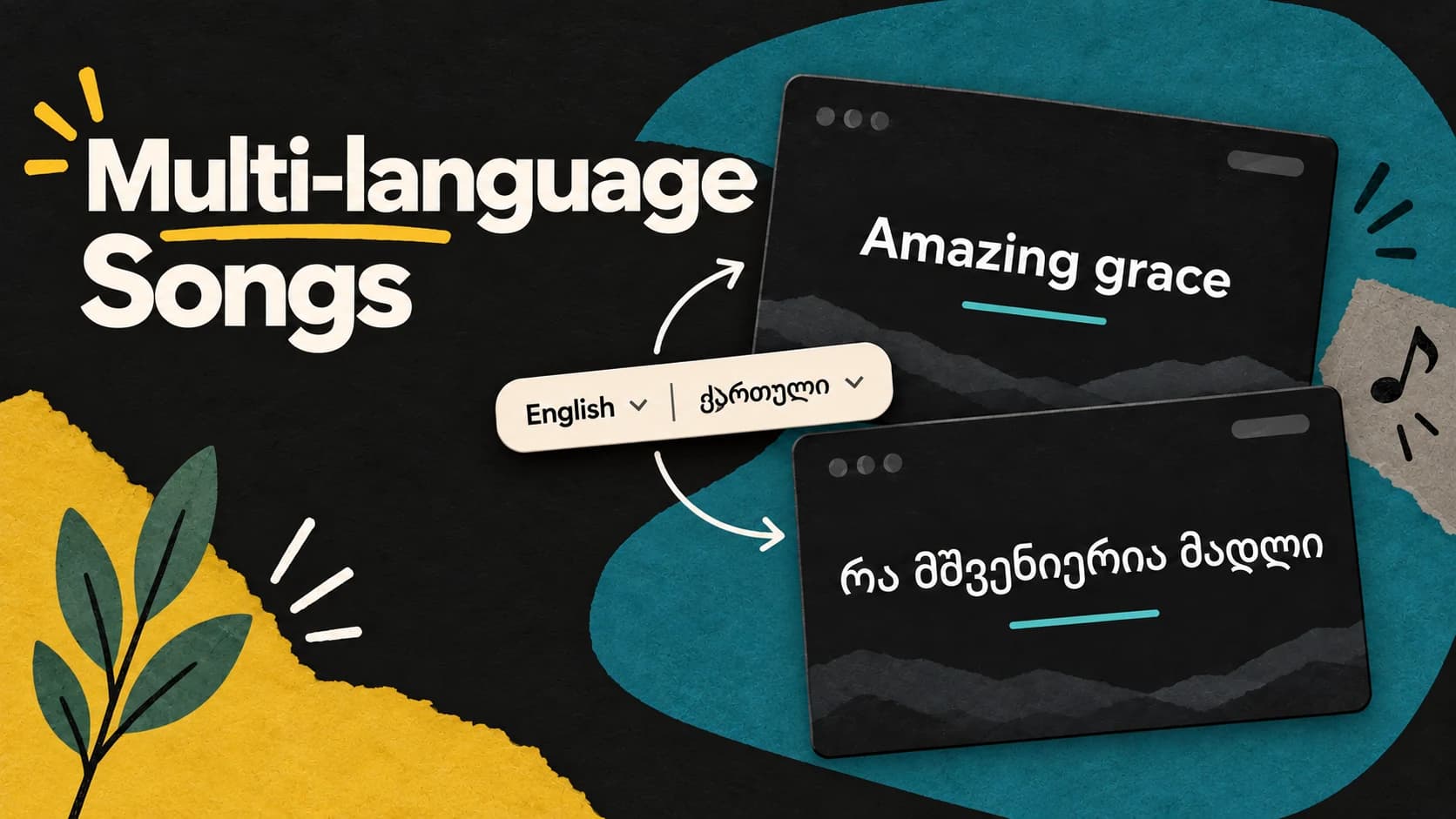 4 min read
04
Multilingual Song Lyrics
How to keep two lyric languages synchronized, choose where each one appears, and style them as one reusable design.
Read the guide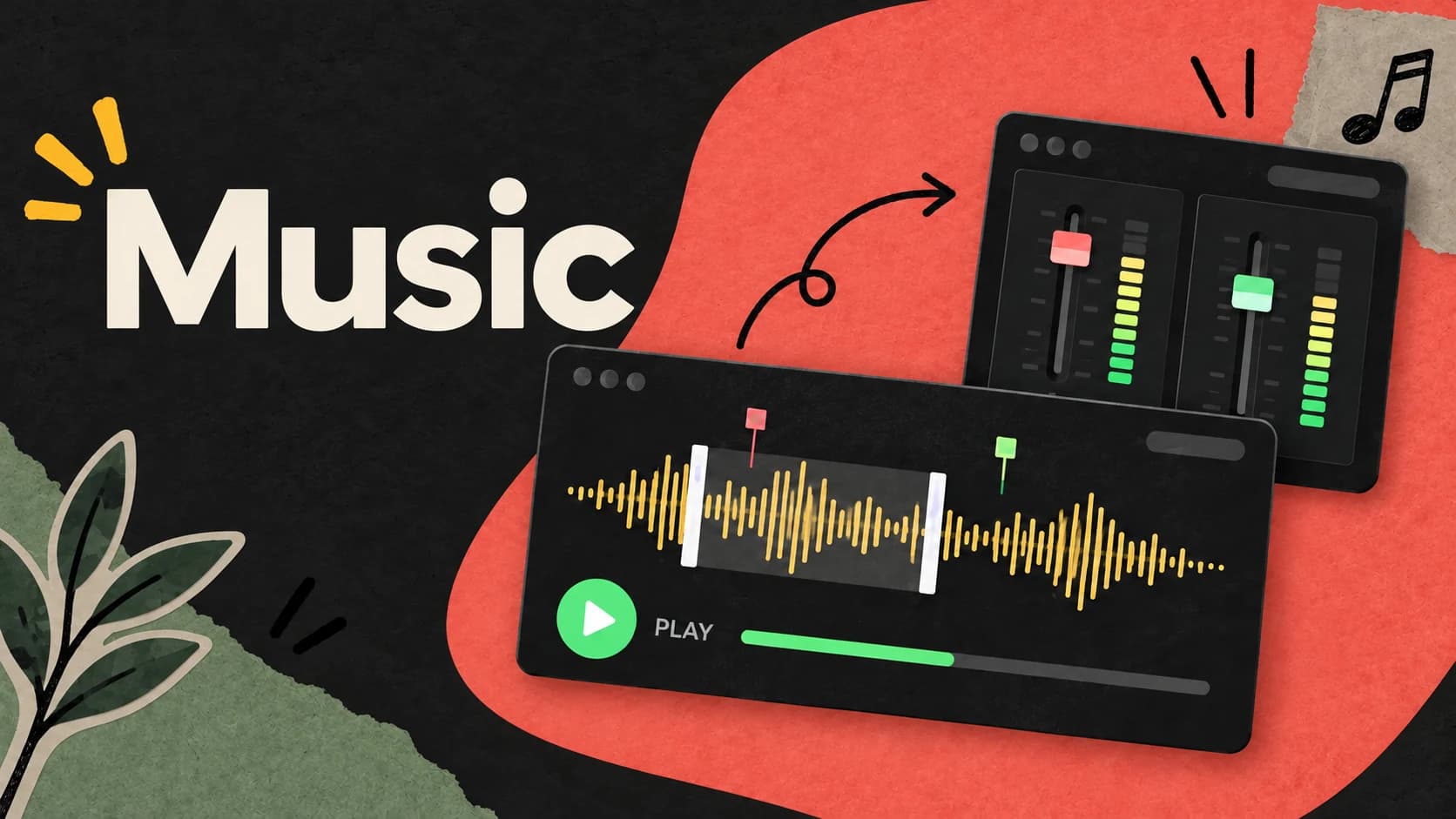 5 min read
05
Music
How to organize service music, control playback, trim and fade tracks, monitor levels, and route audio channels.
Read the guide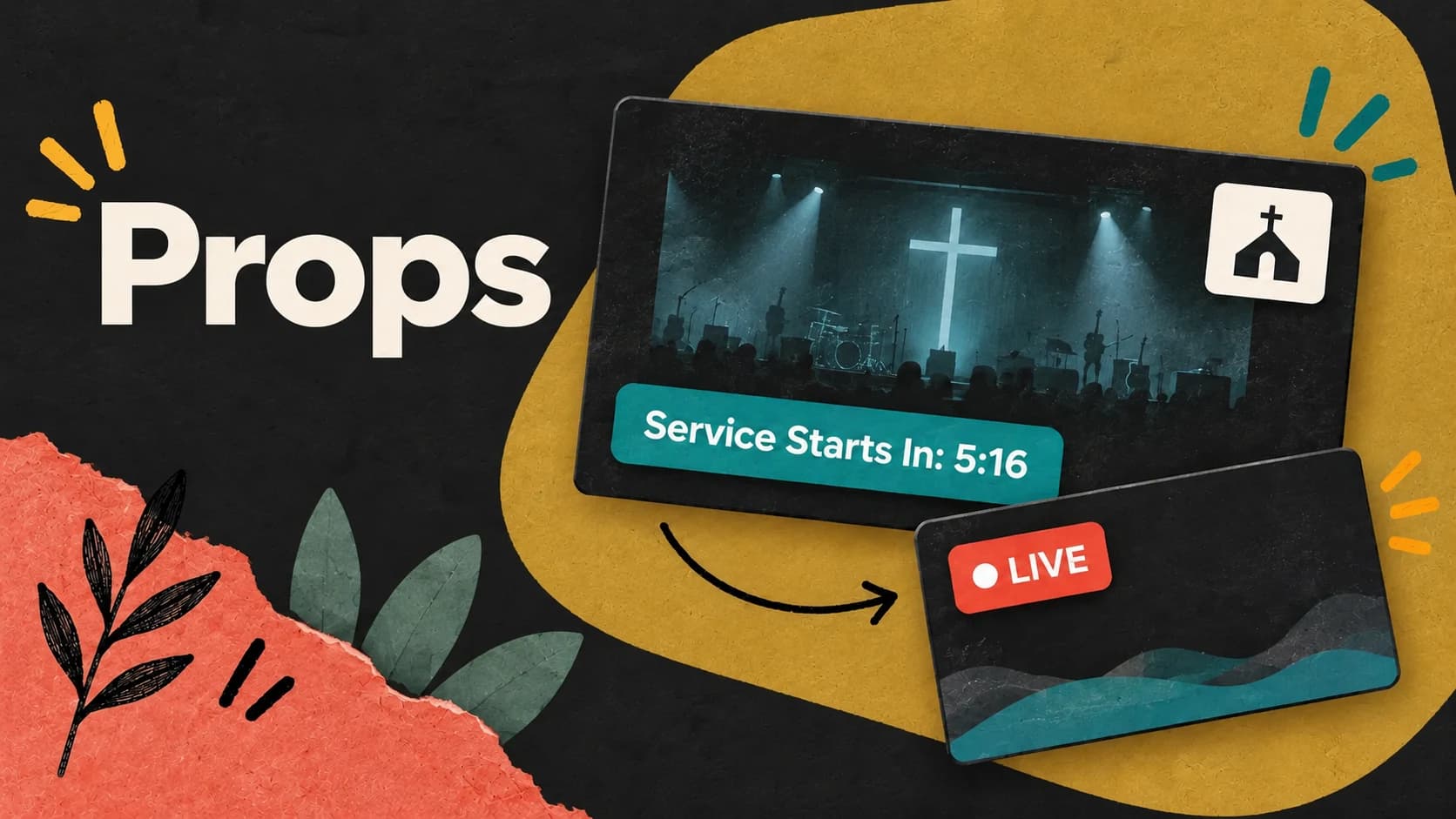 5 min read
06
Props
How to keep logos, countdowns, and live graphics above your slides, then control when and where they appear.
Read the guide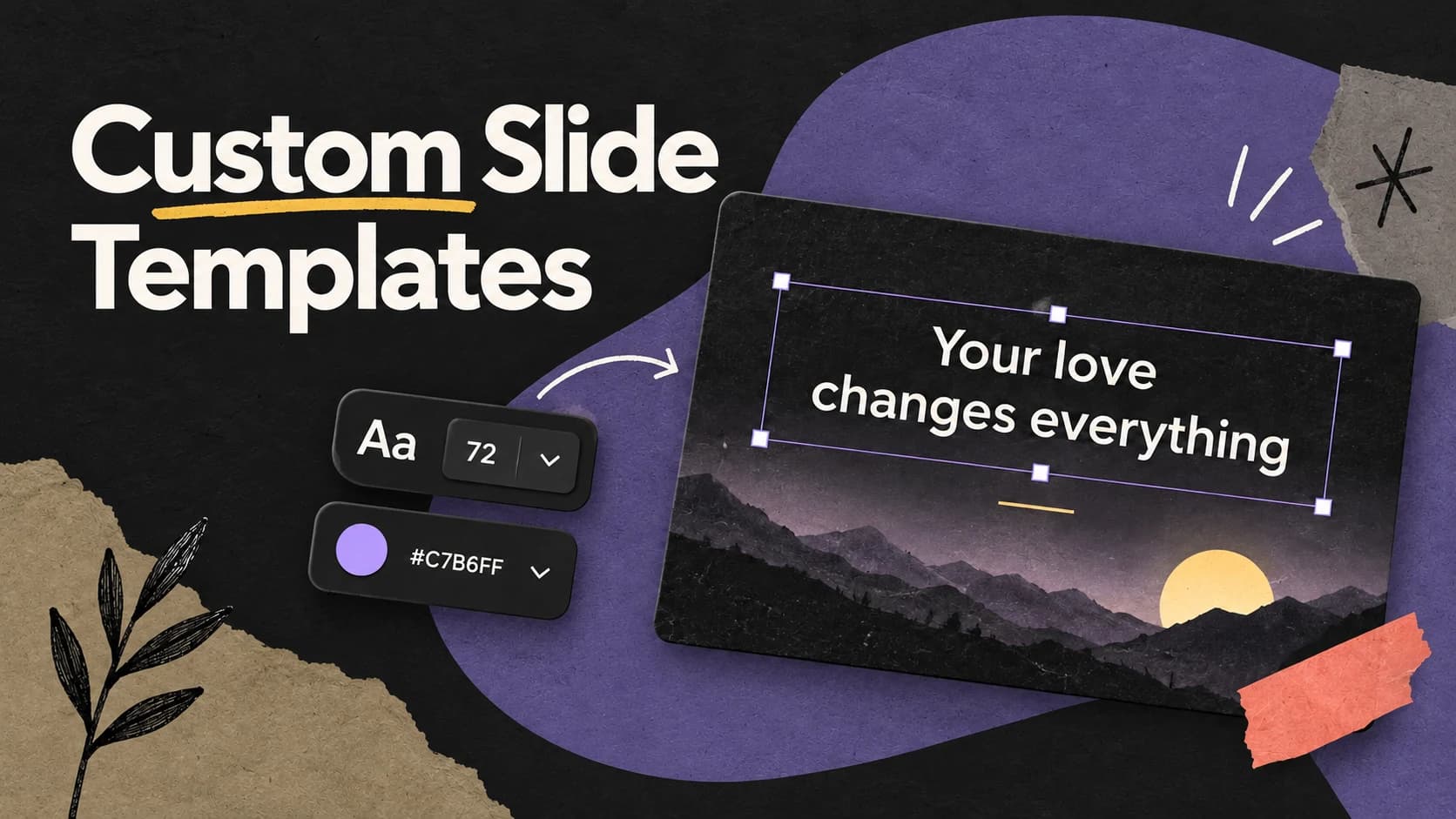 5 min read
07
Custom Slide Templates
How to build reusable scripture and lyric designs that stay readable as the words and backgrounds change.
Read the guide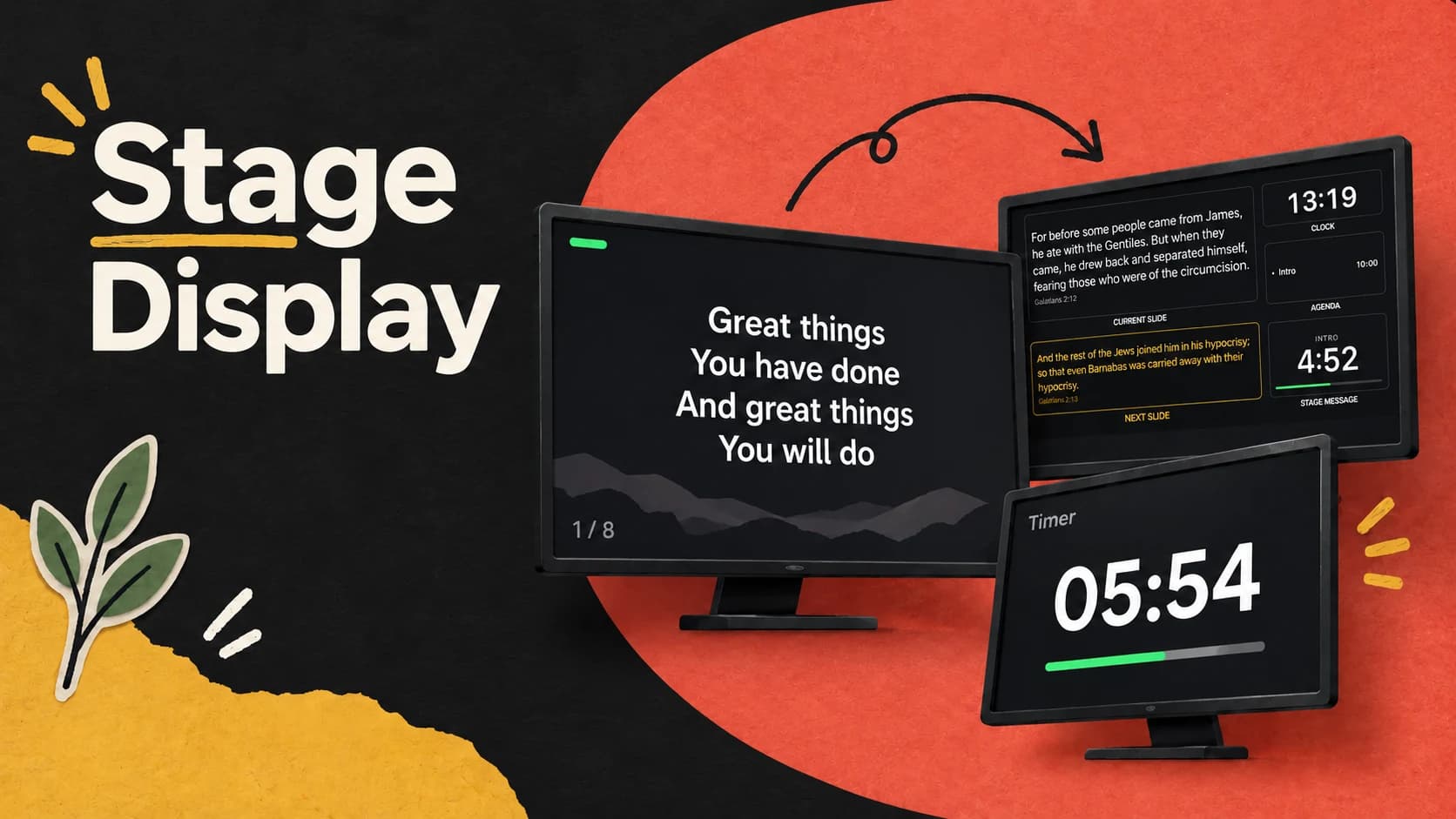 4 min read
08
Stage Display
How to customize stage layouts, send private cues, monitor outputs, and run stage timers.
Read the guide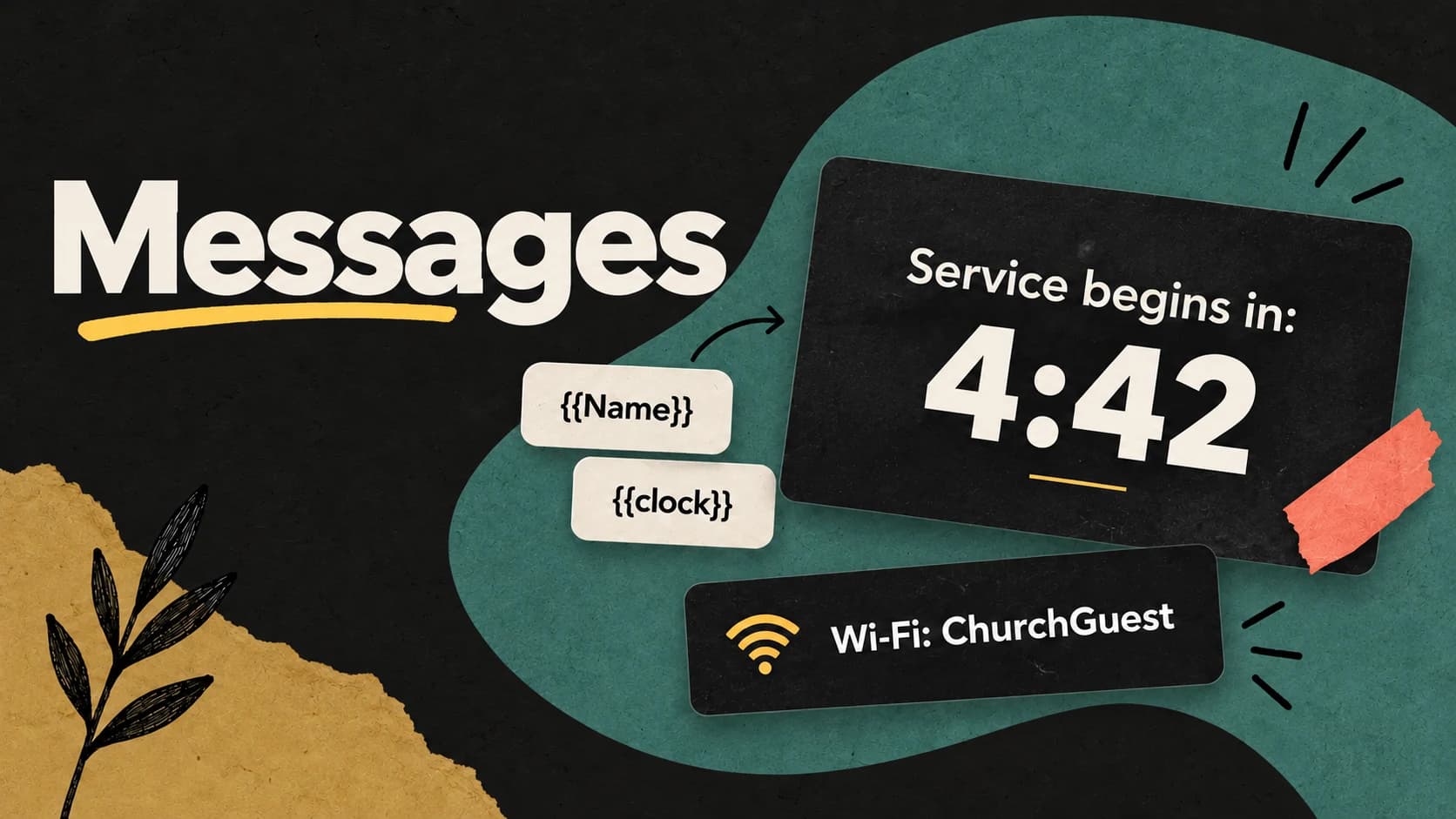 6 min read
09
Messages
How to design reusable live messages, fill them with variables and timers, and control where and when they appear.
Read the guide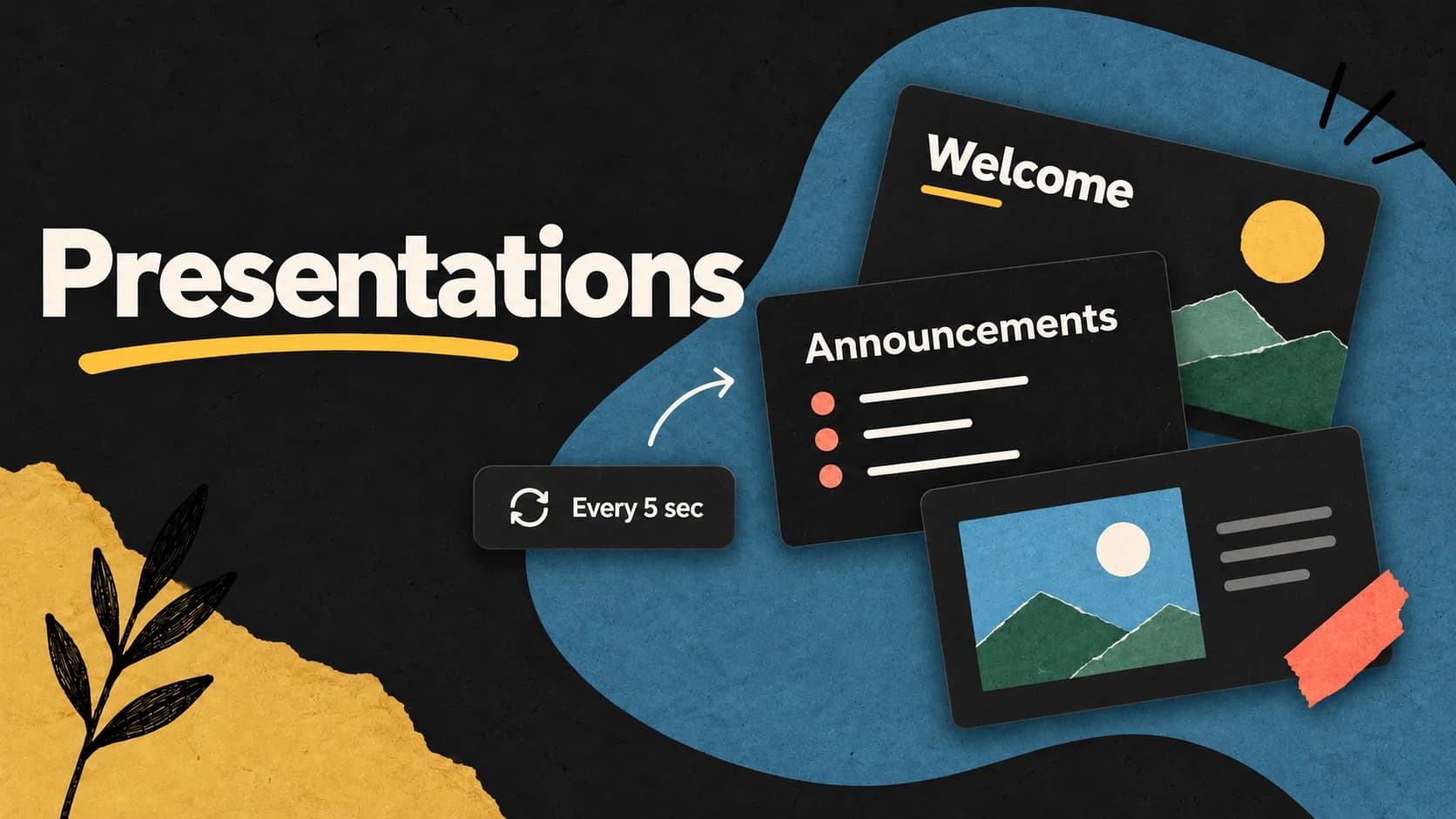 7 min read
10
Presentations
Import PowerPoint or PDF slides, build your own decks, and run them by hand, on a loop, or in a playlist.
Read the guide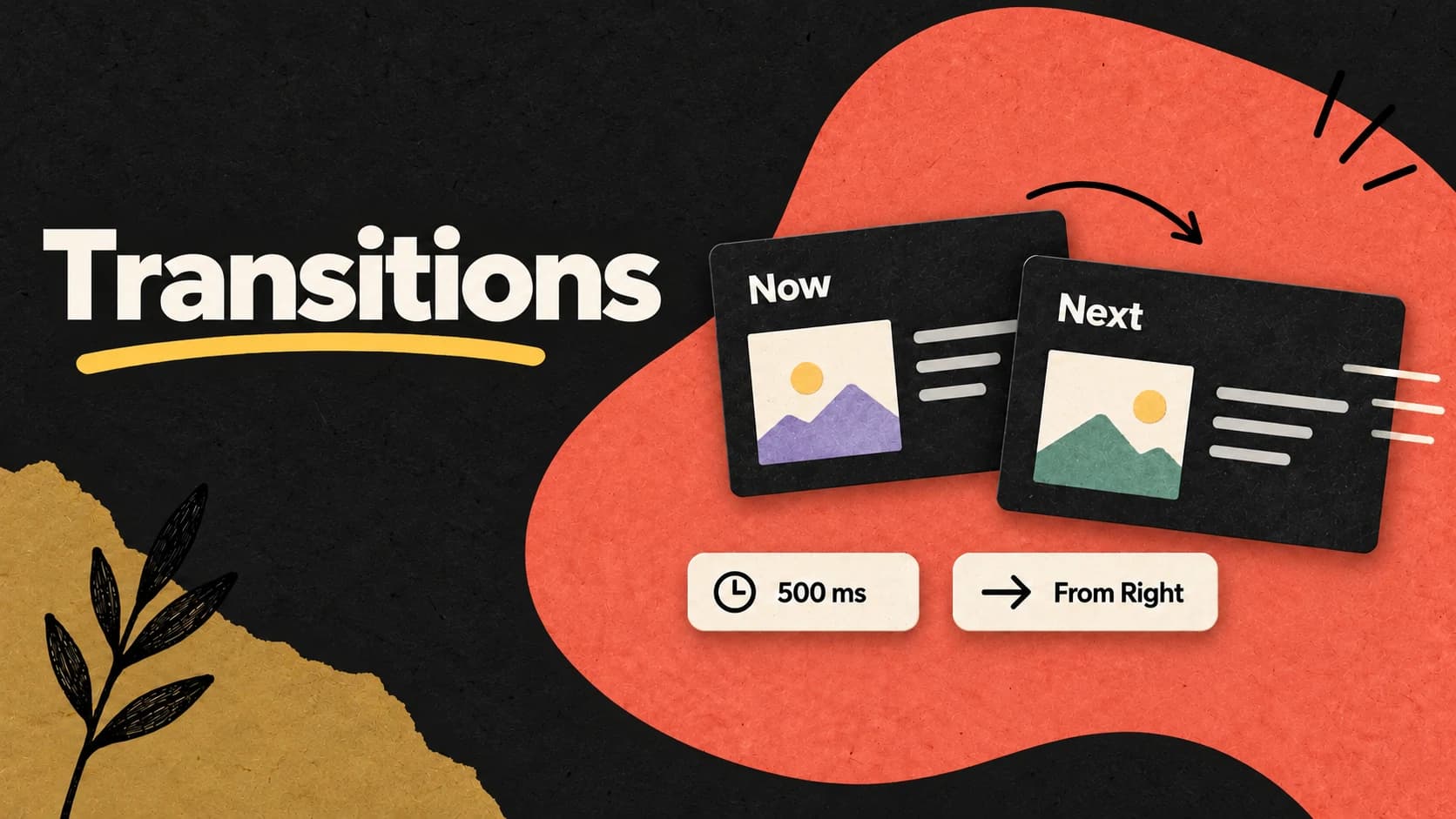 6 min read
11
Transitions
How to choose transitions, tune their speed and direction, save favorites, and override them for a song, slide, or media item.
Read the guide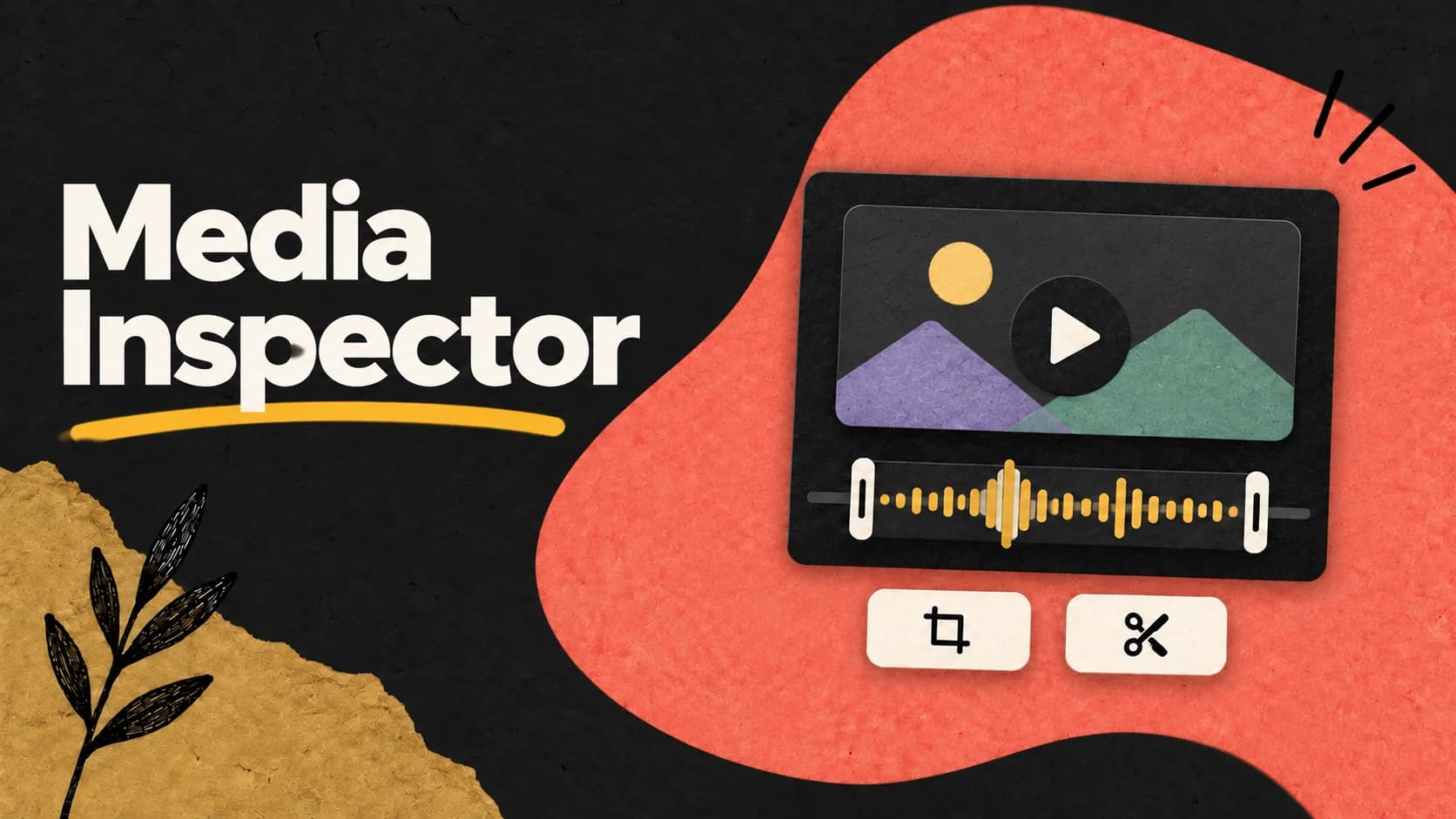 5 min read
12
Media Inspector: Prepare Video for Church Services | LlamaPresenter
Prepare a video for the screen with framing, trimming, cue points, playback controls, and audio routing.
Read the guide 5 min read
13
Audience Looks
Save what appears on each screen, pair presets with layouts, and switch them together with A–D buttons.
Read the guide 6 min read
14
Test Patterns
Check screen alignment, motion, contrast, text readability, and audio/video timing before the service.
Read the guide 7 min read
15
Display
Configure projector, stream, and stage outputs, choose destinations, and adjust picture, placement, and transparency.
Read the guide 7 min read
16
Timers
Plan the service with Agenda timers and run independent General timers for countdowns, breaks, and messages.
Read the guide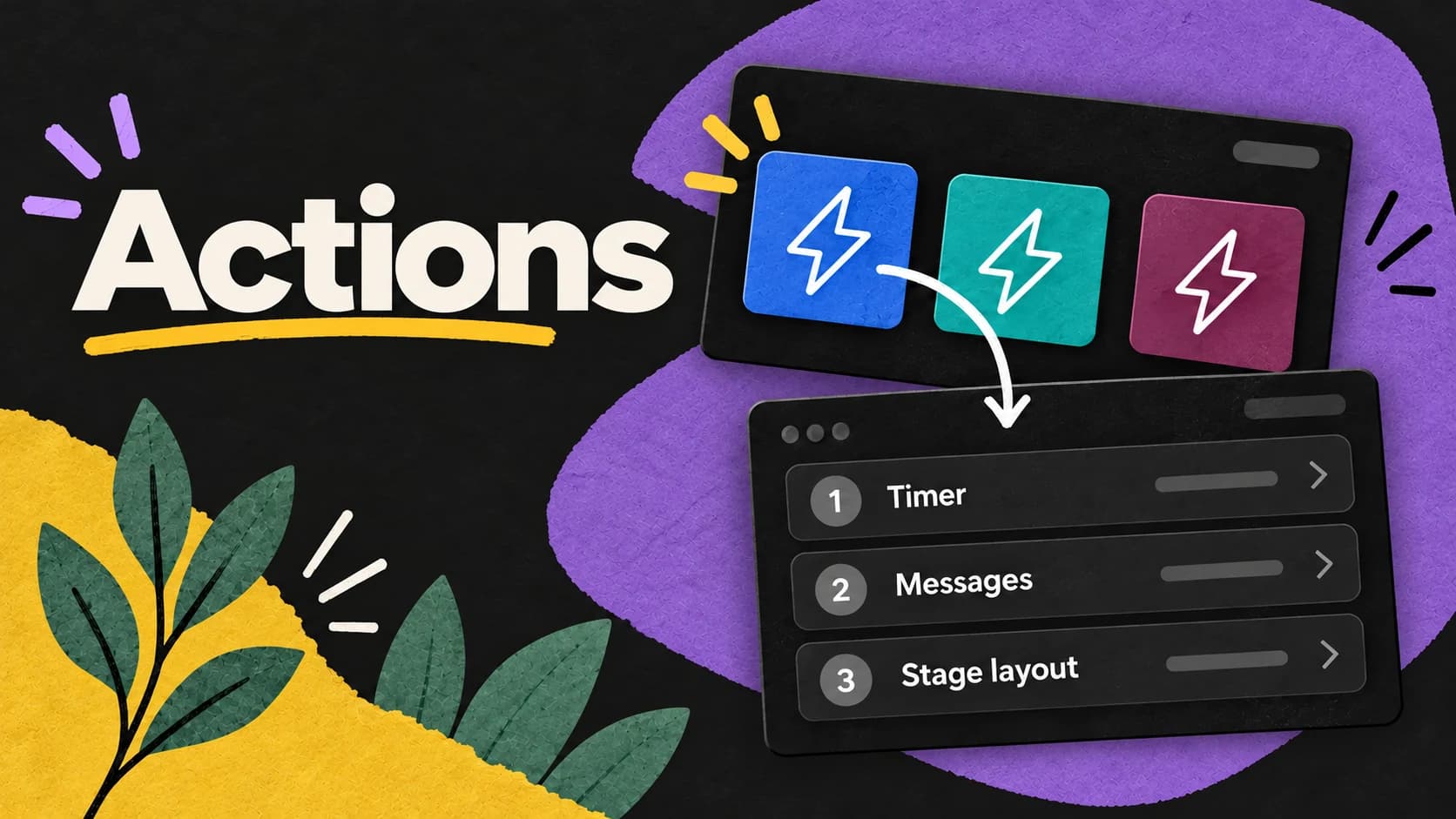 5 min read
17
Actions
How to combine timers, messages, props, Looks, and Stage layouts into reusable actions that run in one click.
Read the guideWhat should we explain next?
Send us the part of your Sunday workflow that still feels harder than it should.