Guide 014 min read
LlamaPresenter - Multiple Bible Languages
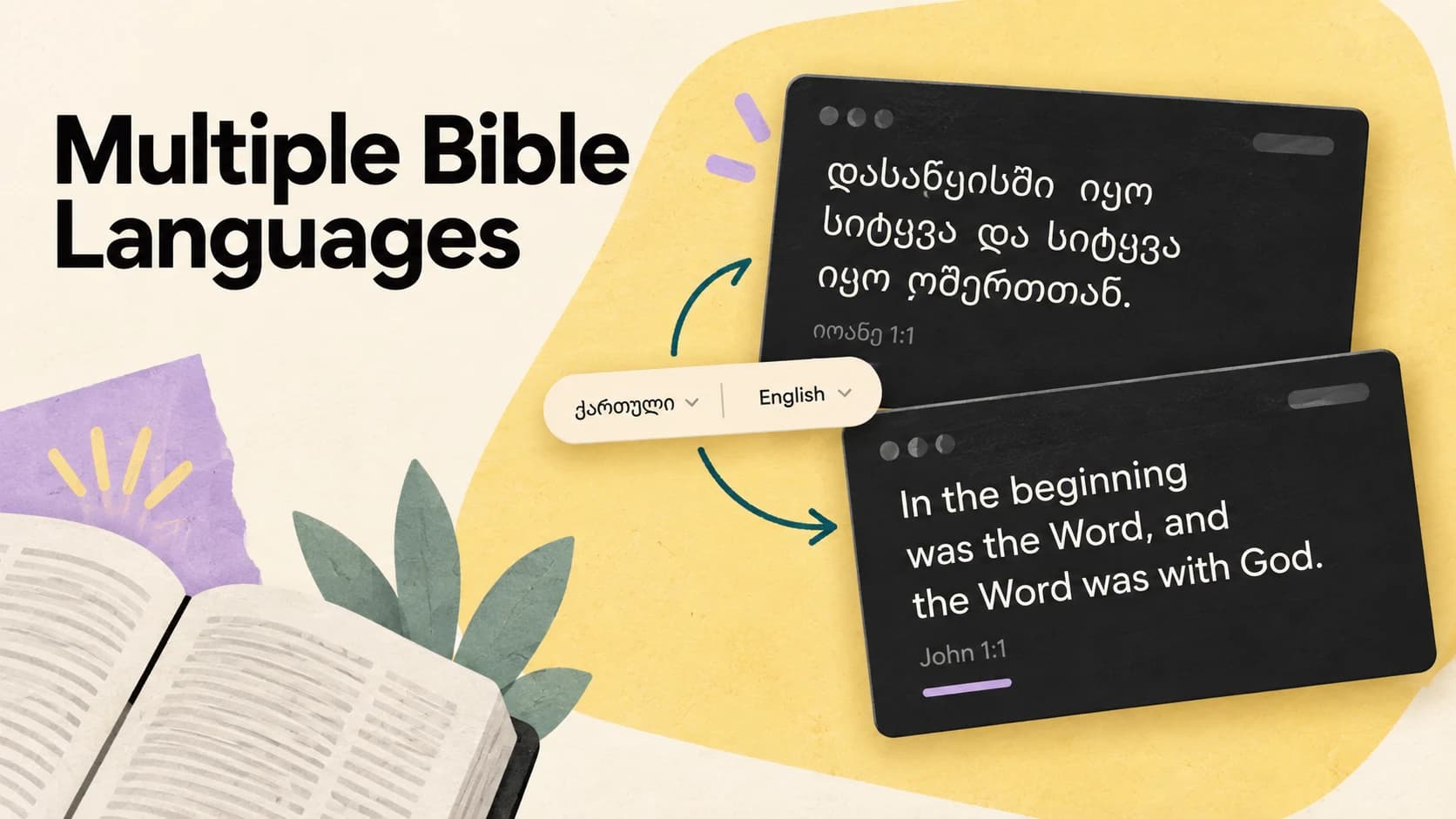
Bilingual slides are usually made the hard way. Someone copies a verse, finds a second translation, pastes it underneath, fixes the line breaks, and repeats the whole process for the next verse.
That work creates two versions of the same reading that can drift apart. LlamaPresenter treats the passage as the source and languages as views of it. Search once, then decide where each translation belongs.
What this guide helps you do
Show one Bible passage in several languages and choose which screens show each language.
01
Build one synchronized multilingual passage
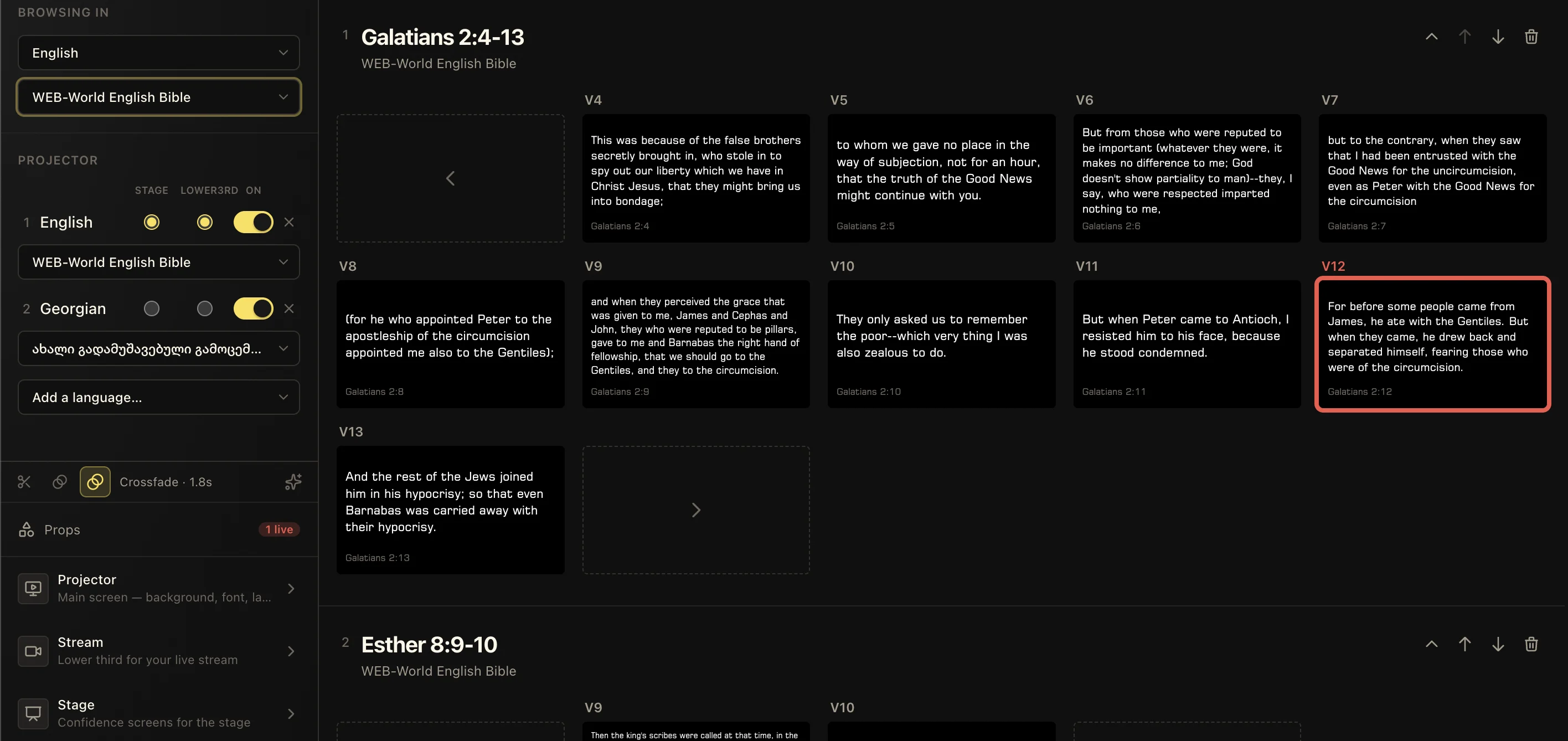
Search for the reference the way it will be read—John 3:16, Psalm 23, or a longer range. LlamaPresenter builds the sequence of verses once. The selected translations travel with that sequence, so verse 17 cannot accidentally appear in English while Georgian is still on verse 16.
This changes the operator’s Sunday job. Instead of watching two independent text boxes, they simply move forward and back through the reading.
- 01Add the Bible translations your congregation uses.
- 02Place the languages in the order people expect to read them.
- 03Search for the passage once and send it live.
02
Route each translation to stage and lower thirds
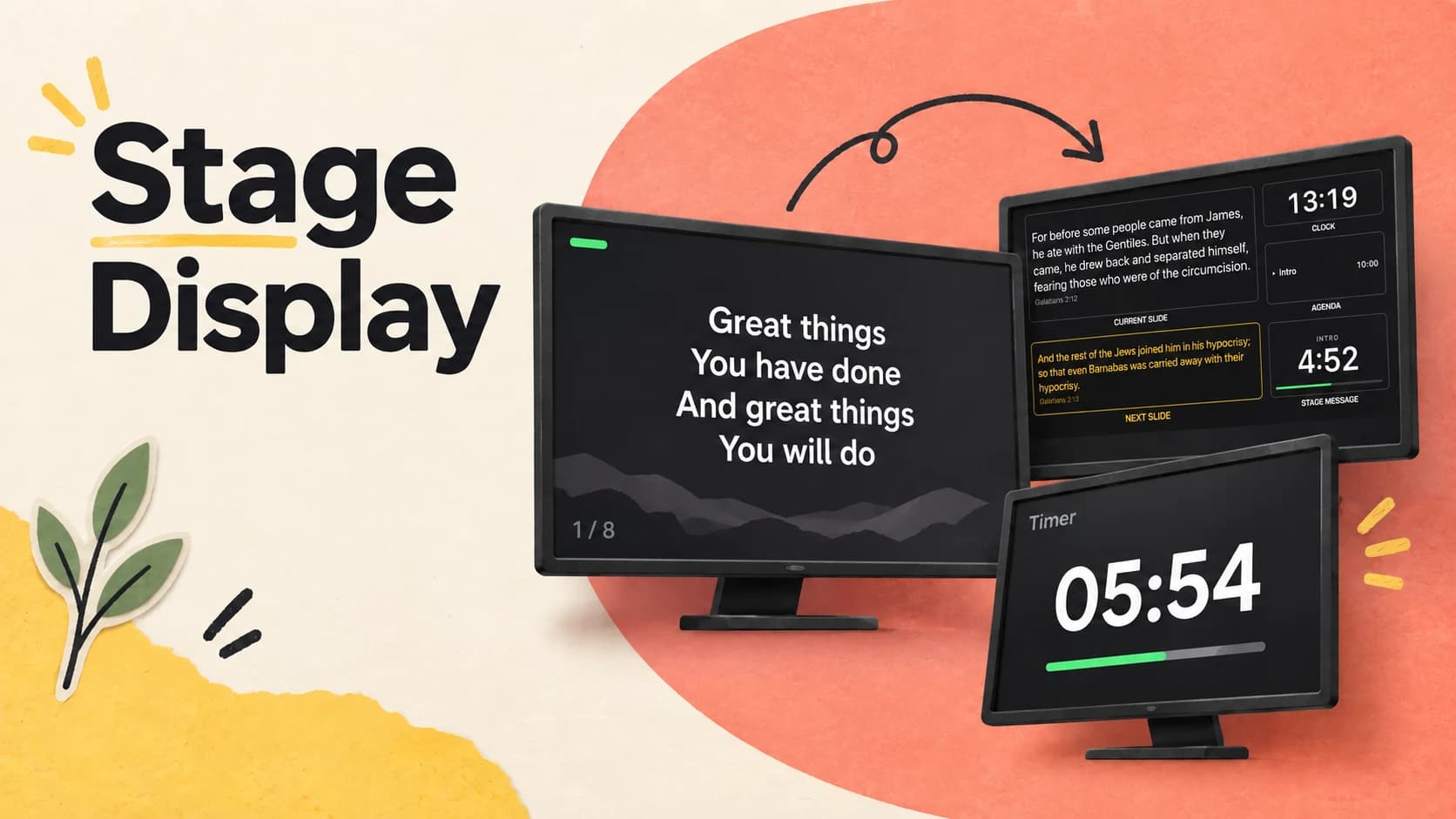
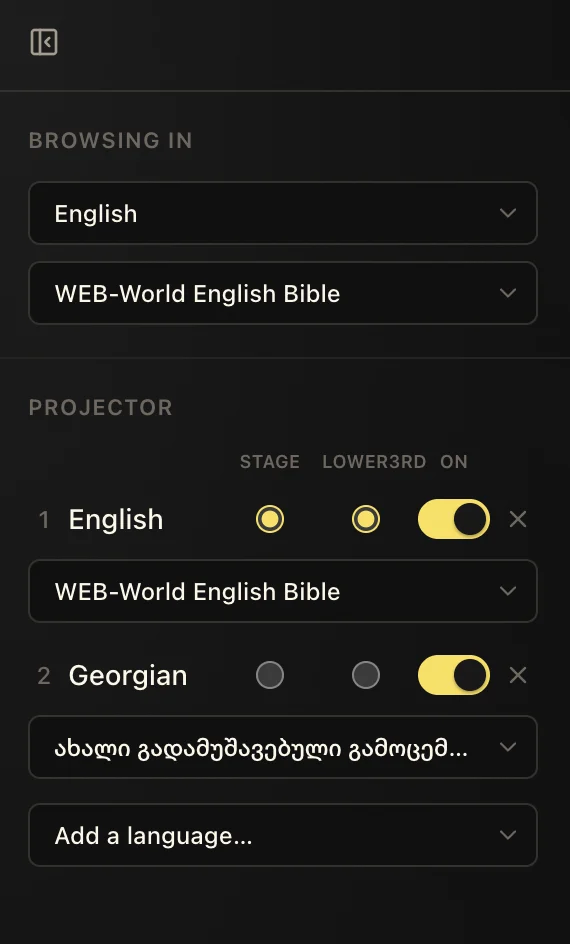
The projector, stage display, and livestream do not have to show the same combination. The room might need Georgian and English together, while a musician’s stage monitor needs only Georgian. An online audience can receive English without changing what anyone sees in the building.
The content remains synchronized because every output is looking at the same live verse. Only the presentation changes.
A useful Sunday pattern
Use both languages on the projector, the worship team’s language on stage, and the online audience’s language on the stream.
03
Add Bible translations from the library
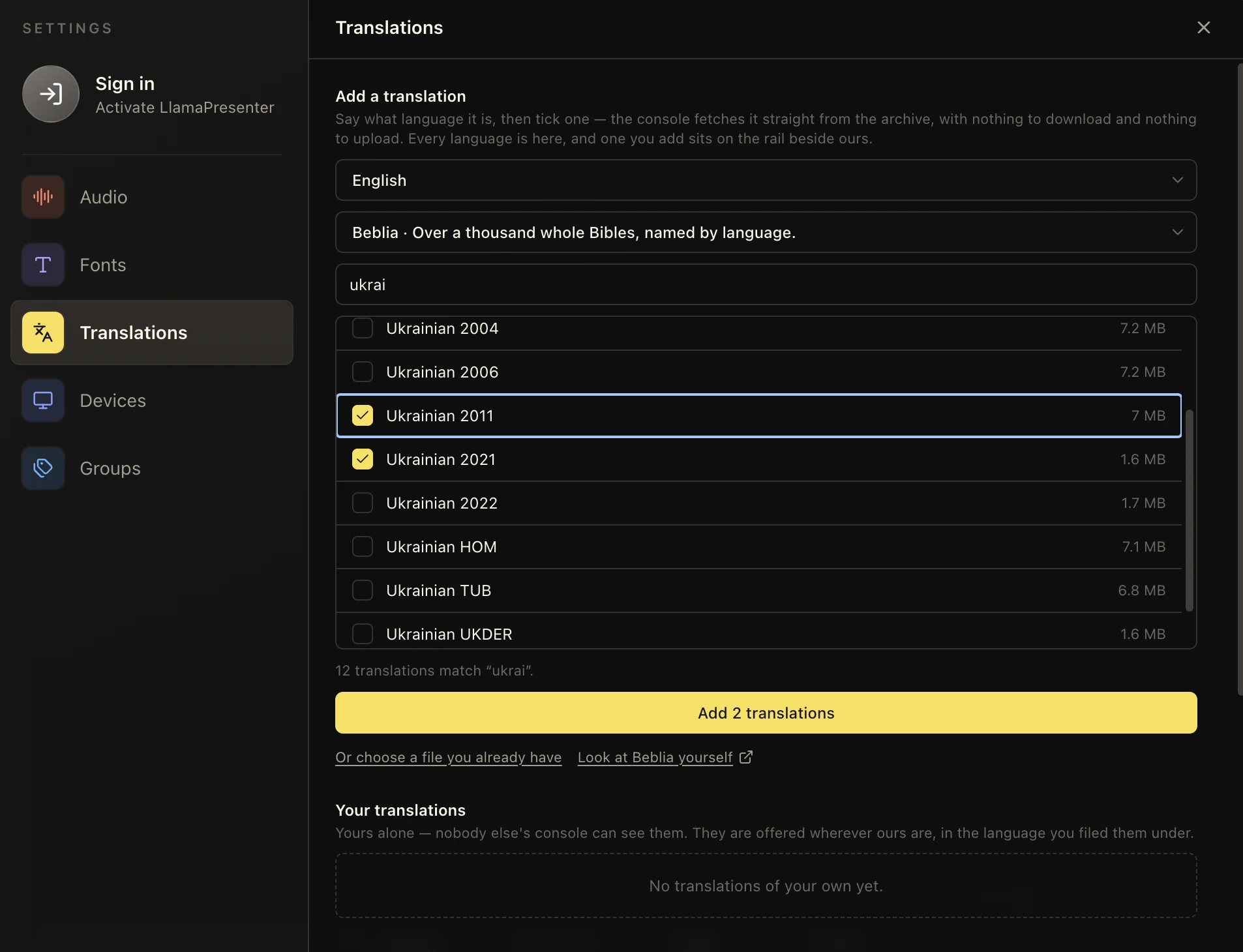
Search the translation library by language, compare the available editions, and select several translations at once. LlamaPresenter fetches the selected Bibles and adds them to the same language controls used throughout the scripture workspace.
If the translation you need is not listed, choose a Bible file you already have and import it instead. You can also browse the source archives below, download the appropriate XML or USX file, and return to the same import button.
Your translations stay private
Imported translations are yours alone—nobody else’s console can see them. LlamaPresenter offers them wherever its built-in translations appear, filed under the language you selected.
Translation sources
Beblia can be browsed directly. The other archives do not publish a list LlamaPresenter can read, so download the translation first and then use “choose a file you already have.”
- Beblia · Holy Bible XML FormatBrowse the source archive used by the translation picker.
- Zefania XML archiveThe long-standing Zefania module collection, sorted by language.
- OpenSong BiblesThe Bible download list maintained by the OpenSong project.
- eBible.org · USXDownload a translation zip and choose its USFM or USX edition.
Keep these three
The short version
- Search and advance one passage, not one passage per language.
- Choose a different language mix for the room, stage, and stream.
- Add or remove a translation without rebuilding the service.