Professional Presentation App for Churches

Present Scripture, songs, and media, even offline with prepared content. Built for worship services, church gatherings, and live events.

Bible passages, lyrics, slides, and media in one desktop app. Control your projector, stage display, and livestream, with NDI and Mac Syphon outputs in supported builds.

Included with Pro. No separate desktop license.
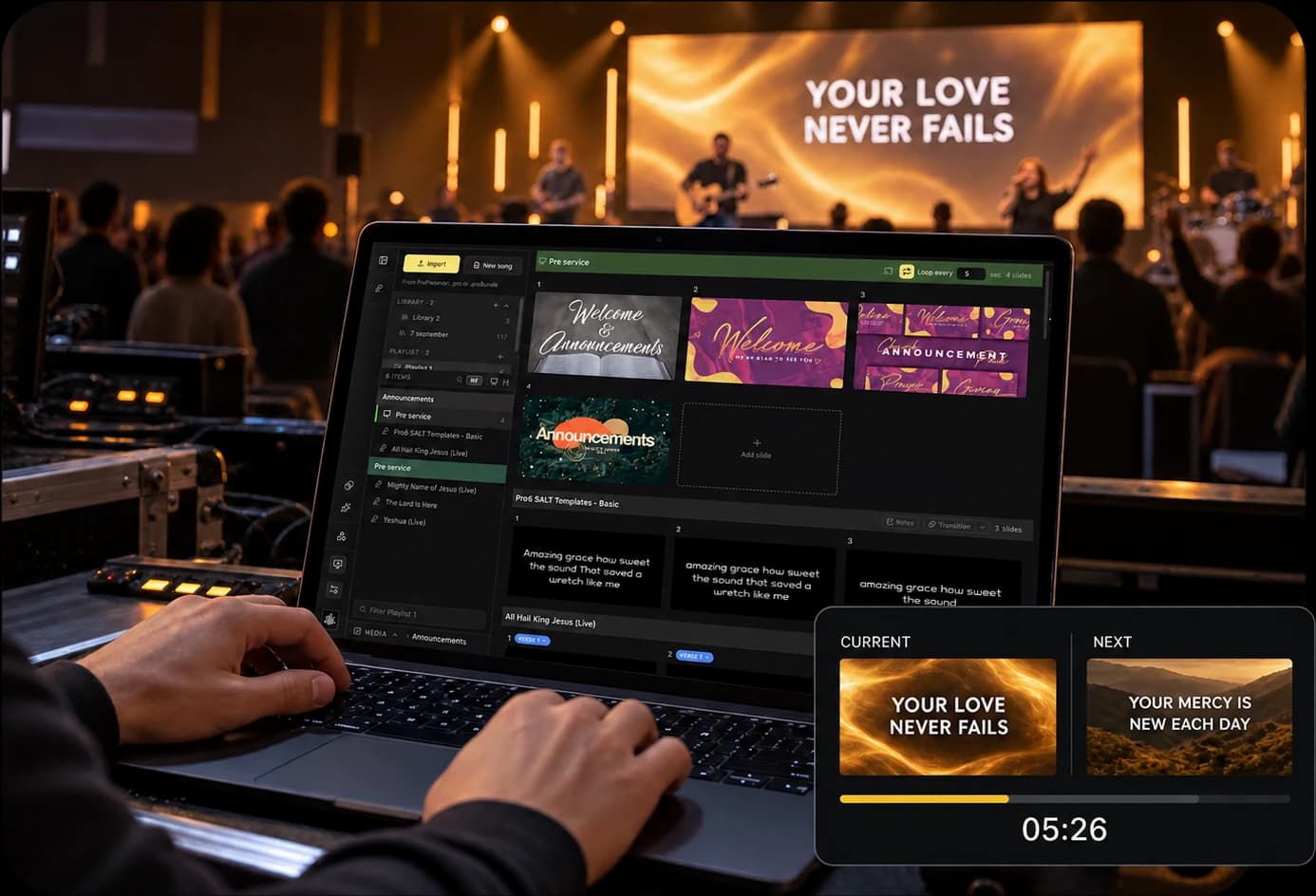
Illustration of a laptop controlling church presentations with current and next stage slide previews

Ready for your service.
Online or offline.

Take control of your church presentations from your computer. Prepare your content in advance, then use desktop local mode to keep your service moving, even without internet.

  • Present prepared Scripture, songs, and media offline
  • Manage projector, stage, and livestream outputs
  • Fine-tune your screens with native display controls
  • Build your whole service in one presentation app

Prepare content before going offline. Account access and cloud features require internet.
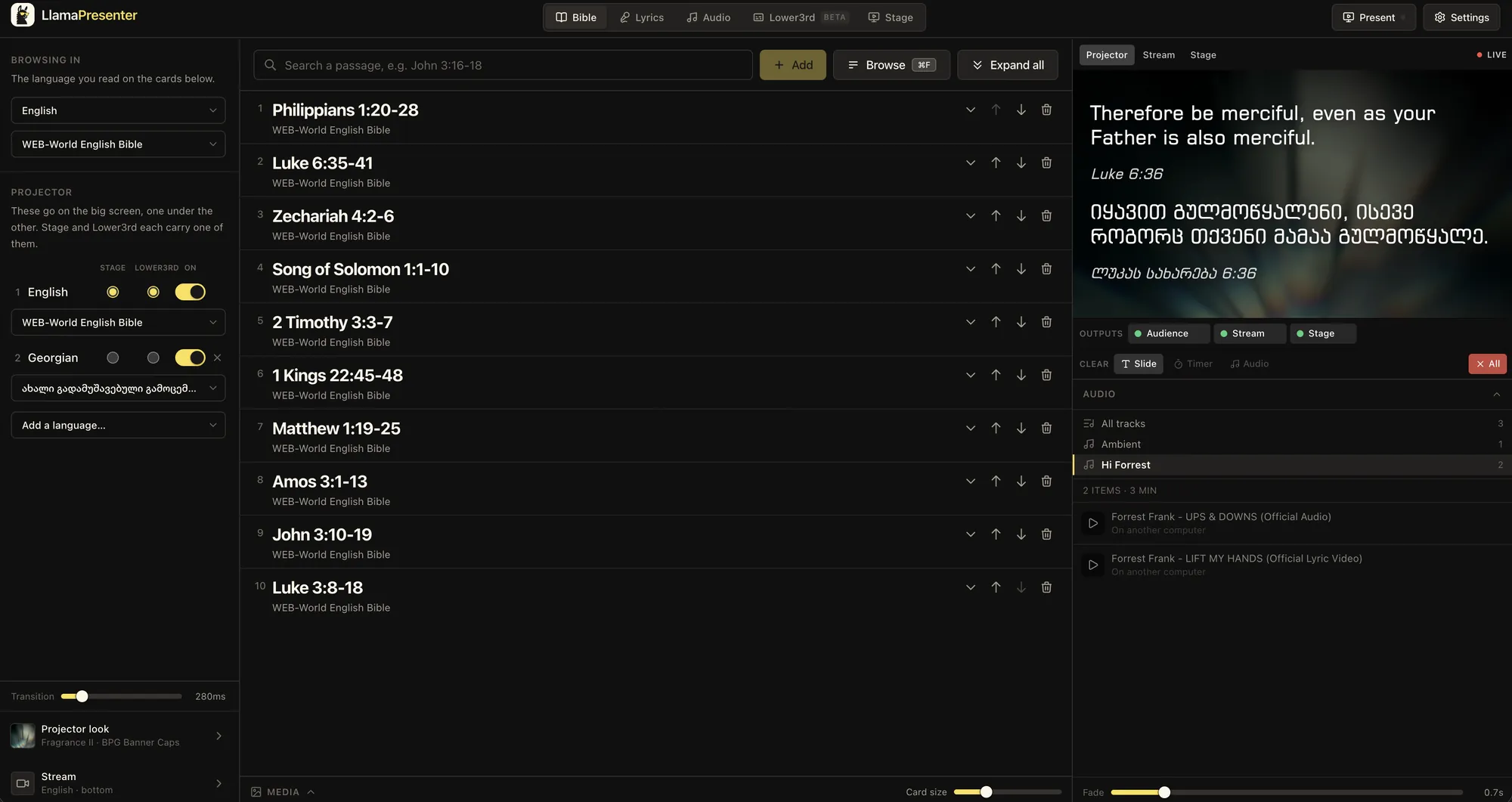
LlamaPresenter desktop window showing Bible passages and presentation controls

Download LlamaPresenter Desktop

Your presentation tools, at home on your computer. Desktop access for Mac and Windows is included with Pro.

Other platforms

macOS (Intel)

Coming soon

Windows

Coming soon

Downloads will be available soon.

See what’s included with Pro β†’

Key Features

Scripture & songs

  • Bible passages and multiple languages
  • Song lyrics and playlists
  • Slides and presentation templates

Offline local mode

  • Prepare content on your computer
  • Present prepared content offline
  • Keep your service ready in advance

Display controls

  • Native output controls
  • Picture and keystone correction
  • Output test patterns

Media & camera

  • Pictures, video, and music
  • Camera input
  • Media in your presentation workflow

Multiple outputs

  • Congregation projector
  • Stage display and timers
  • Livestream graphics

Production connections

  • NDI input and output
  • Syphon output on Mac
  • Requires a supported build and runtime

Web or Desktop Version?

Both versions include the core tools for Scripture, songs, slides, and media. Choose the version that fits how your team prepares and presents.

Web Version

Perfect for:

  • Getting started without installing software
  • Preparing presentations in your browser
  • Accessing the app from different computers
  • Trying LlamaPresenter with the Free plan

Key characteristics:

  • Requires an internet connection
  • Available on Free and Pro plans
  • Bible, songs, slides, templates, and media
  • Projector, stage, livestream, timers, and remote control

Desktop Version

Perfect for:

  • Churches with unreliable internet
  • Presenting prepared content in offline local mode
  • Managing screens from a dedicated computer
  • Connecting to production software

Key characteristics:

  • Included with Pro for Mac and Windows
  • Native display controls and camera input
  • Picture and keystone correction, plus test patterns
  • NDI input and output, plus Syphon on Mac, with a supported build and runtime

Desktop is included with Pro. Prepare content before going offline. Account access and cloud features need internet.

Not sure which version to choose?

From setup to service

  1. 1

    Install the desktop app

    Get Pro desktop access and set up LlamaPresenter on your Mac or Windows computer.
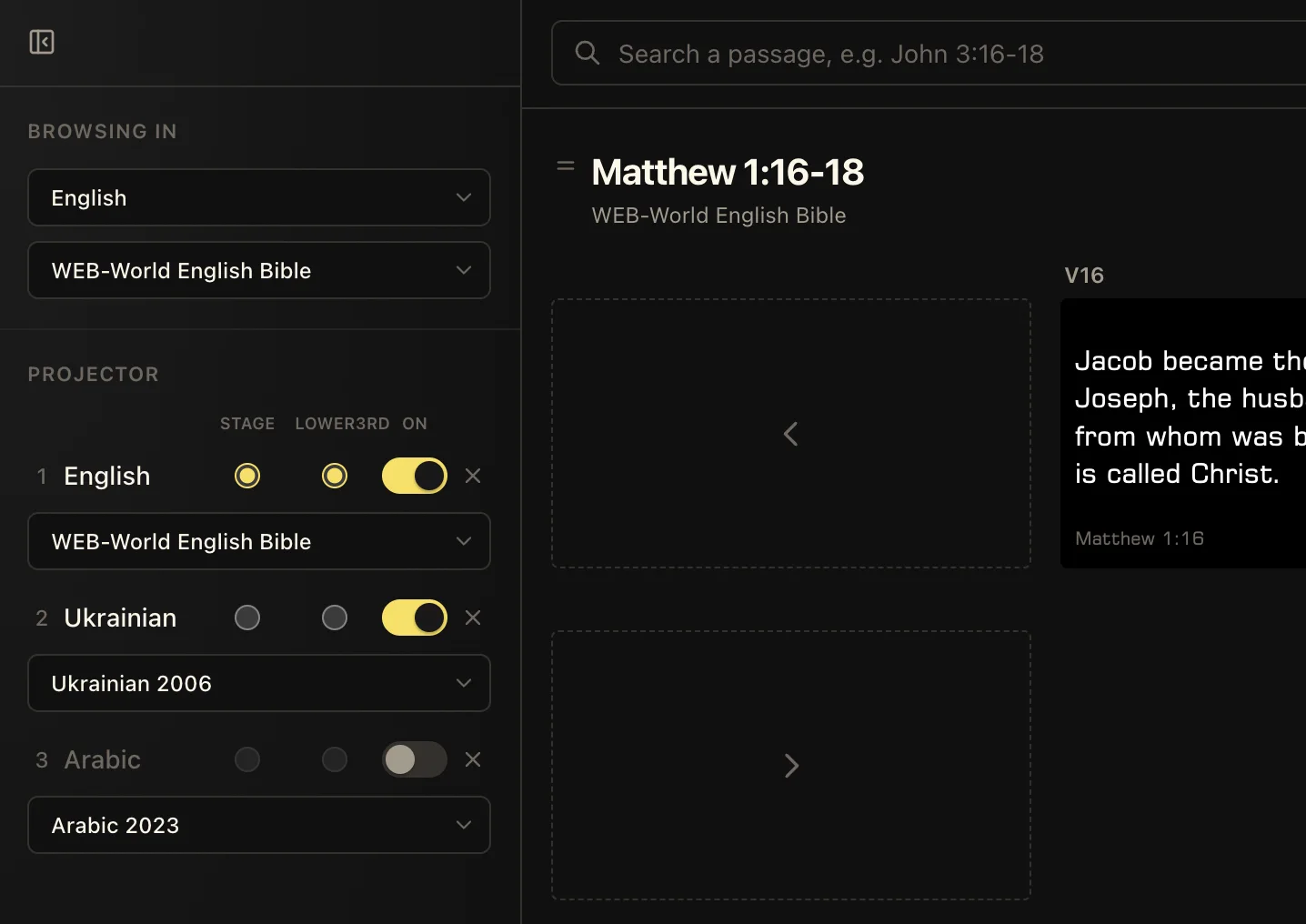
    Bible translation and language controls
  2. 2

    Prepare your service

    Gather Scripture, songs, slides, and media. Prepare the content you need for offline local mode.
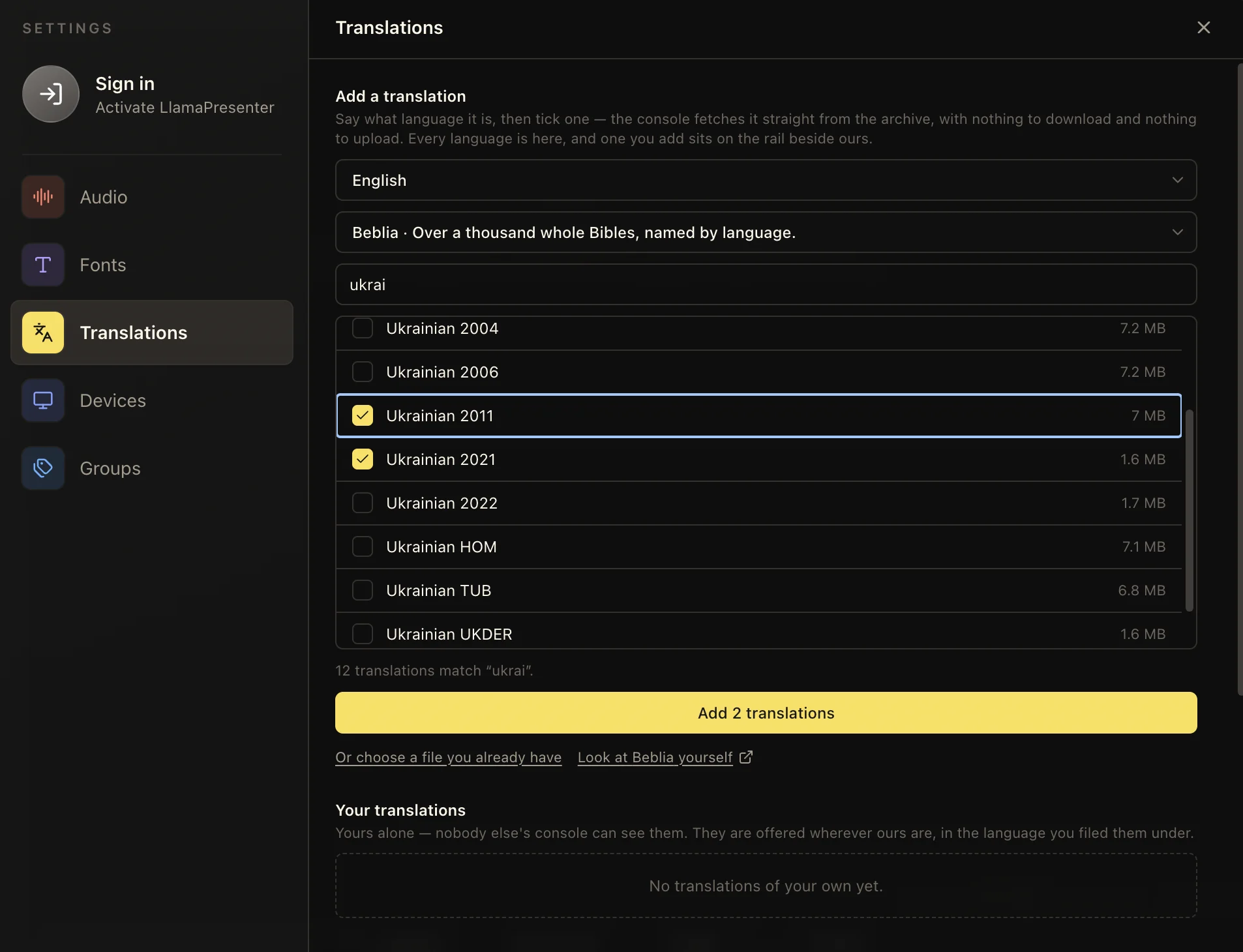
    Bible translation library
  3. 3

    Connect your screens

    Set up your projector, stage, and livestream outputs, then check them before the service starts.
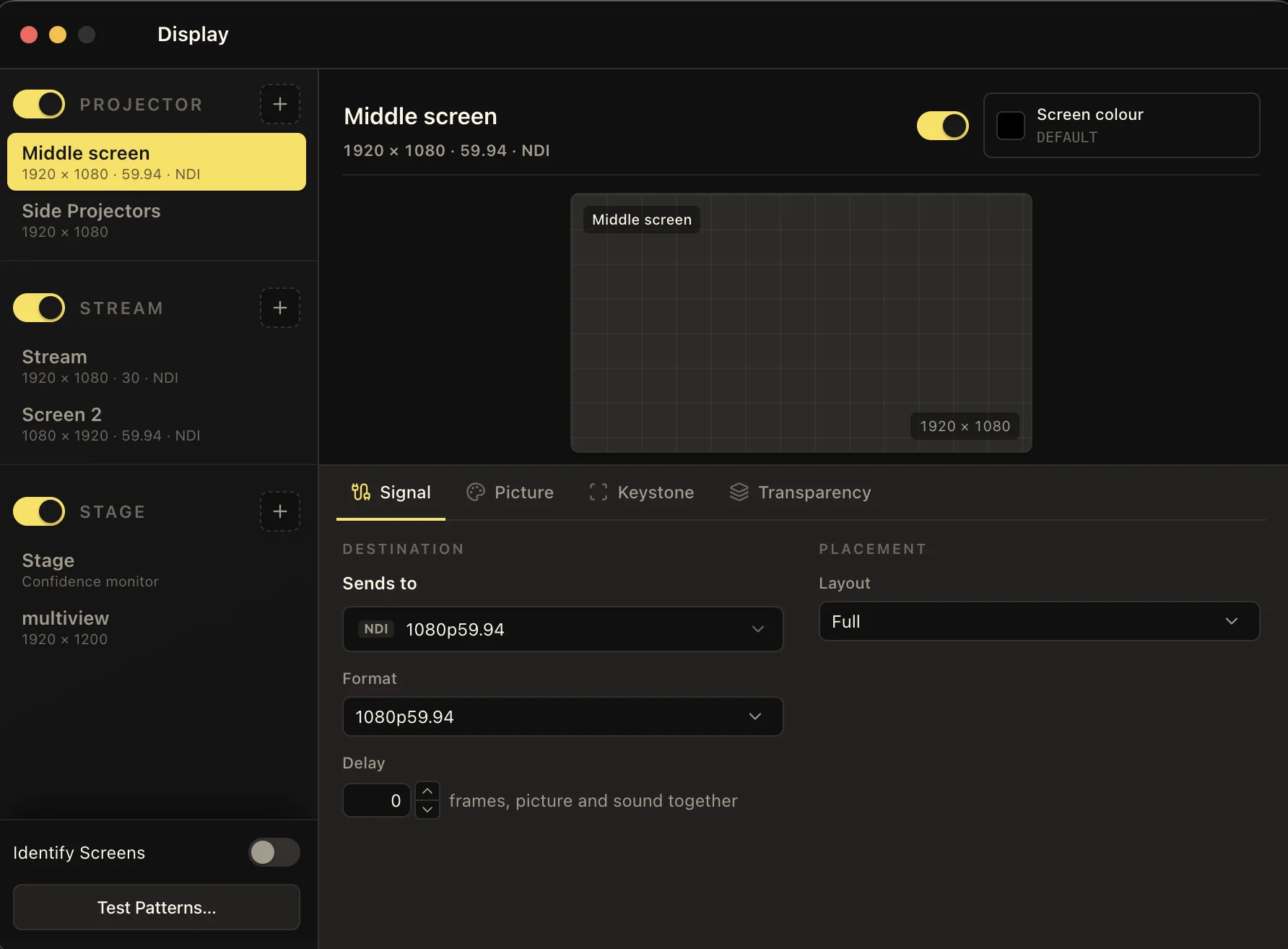
    Projector, stage, and livestream display overview

Common questions

Is desktop included with Pro?

Yes. The desktop app is included with your Pro subscription. It is not available on the Free plan or sold as a separate license.

Can I use it offline?

Desktop supports offline local mode with content prepared in advance. Sign-in, account management, and cloud features require internet access.

Which computers can I use?

LlamaPresenter Desktop is for Mac and Windows. Contact us for help choosing the right build for your computer.

Does it include the web presentation tools?

Yes. Bible and languages, songs and playlists, slides and templates, media, projector and stage outputs, livestream graphics, timers, and remote control are available in both versions.

Can I use NDI or Syphon?

Desktop offers NDI input and output, and Syphon output on Mac. These features require a supported build and runtime.

Ready for your next service?

Try the web app for free, or get Pro for desktop access.