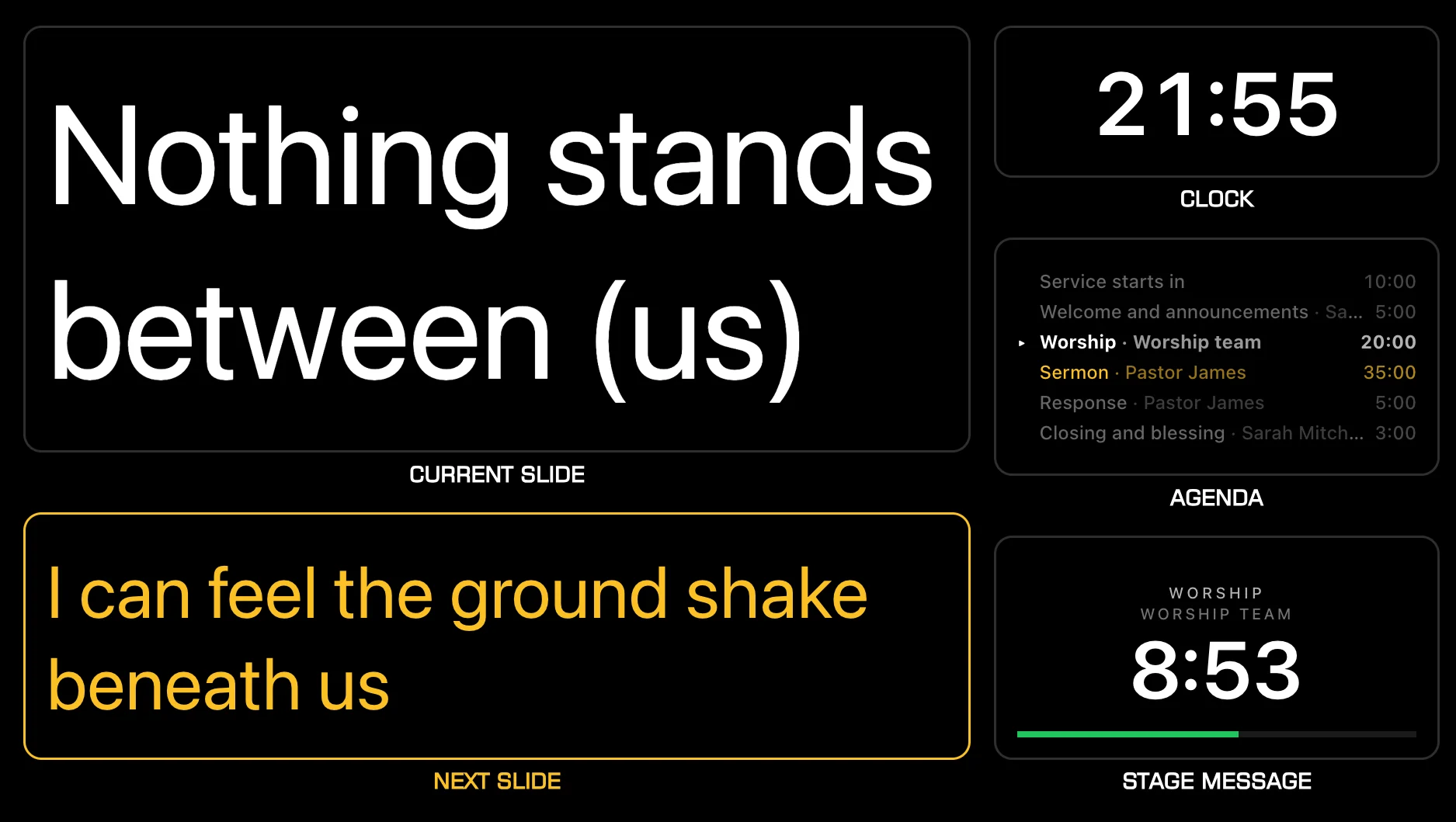
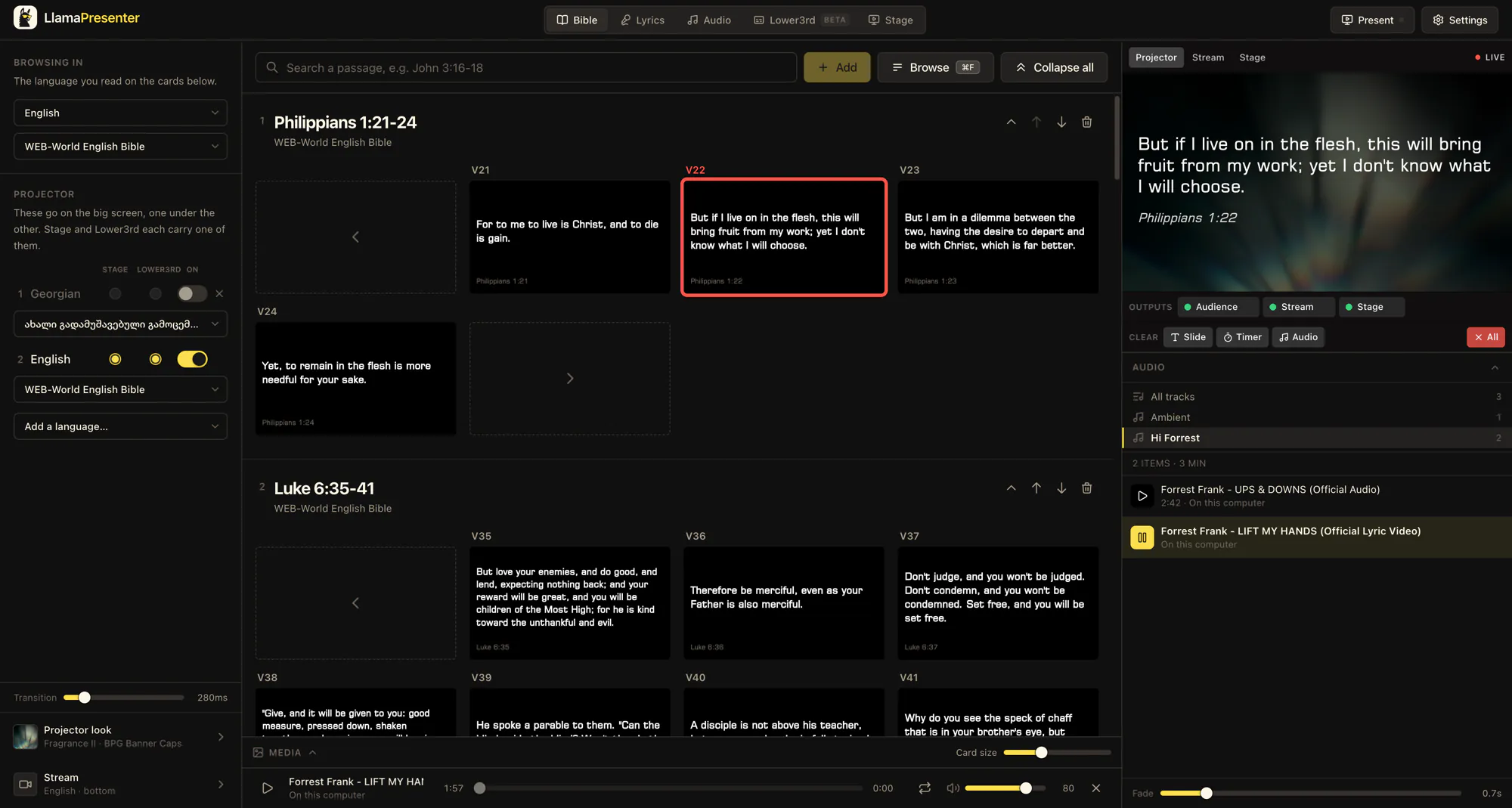
Bible verses on the projector
Search a passage, choose the verses, and show them to the room. Put two languages side by side when your congregation needs both.
Show Bible versesFree browser plan
Put Bible verses, song lyrics, announcements, and slides on screen this Sunday. LlamaPresenter runs in your browser, with a projector output, Stage View, and livestream graphics on the Free plan.
$0 forever · No card required · No trial deadline
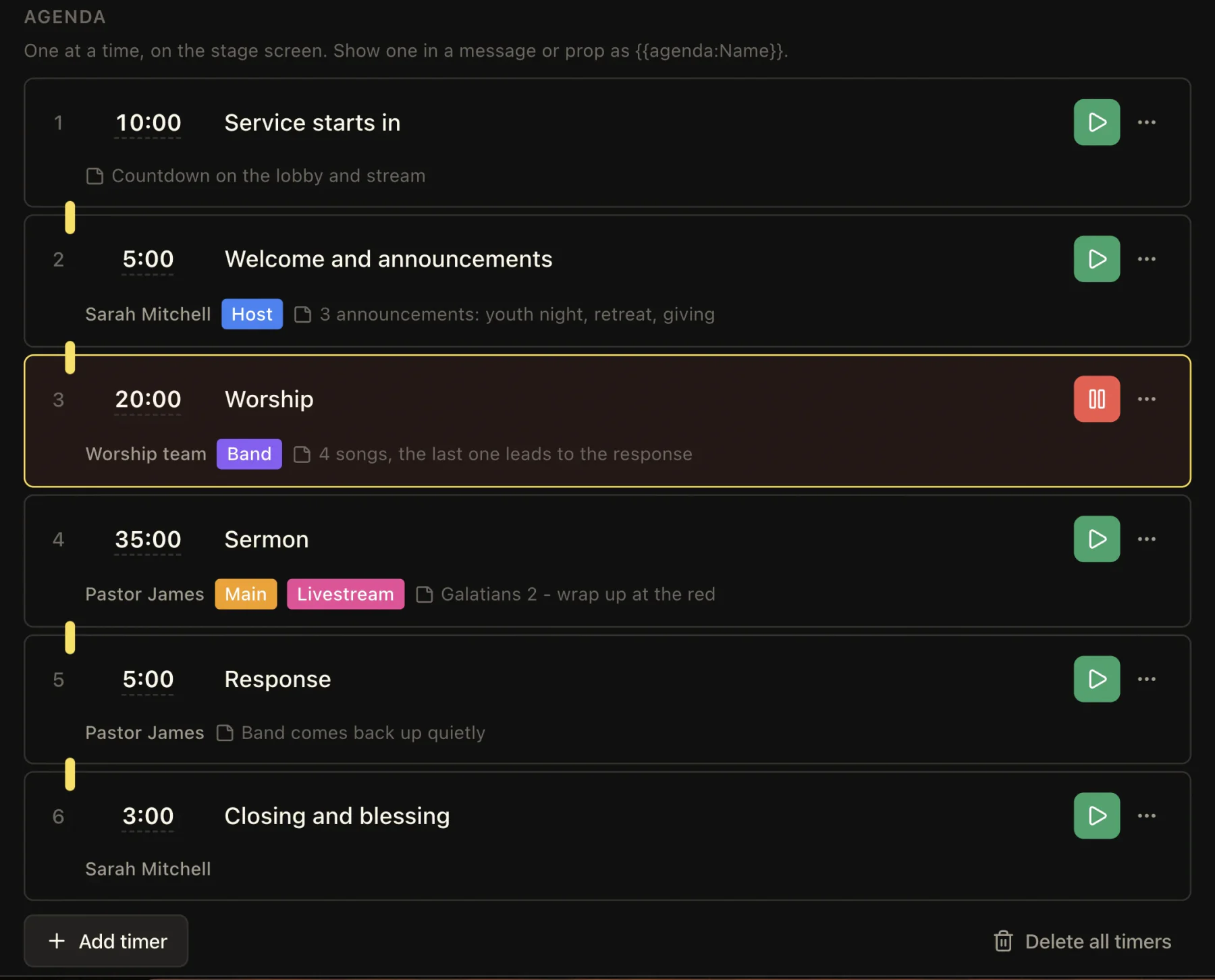
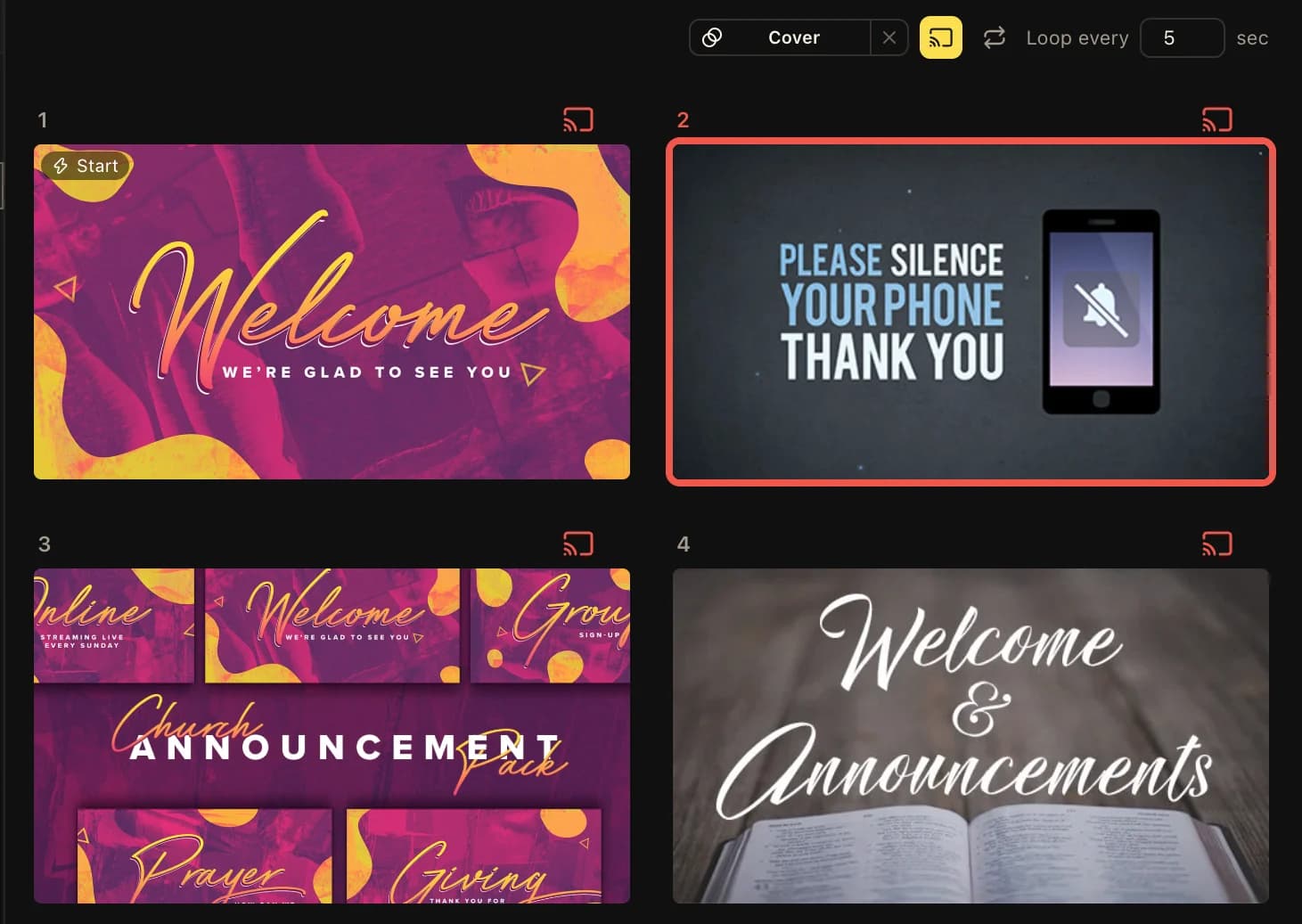
Loop the welcome slides, give the team a stage view, and run the order of service as timers, all on the Free plan.
Free is a working church presentation plan, not a timed demo. Prepare content before the service and use the same console to cue it live.
Search a passage, choose the verses, and show them to the room. Put two languages side by side when your congregation needs both.
Show Bible versesPrepare songs and presentation decks before Sunday, then keep them in the service order with Scripture and media.
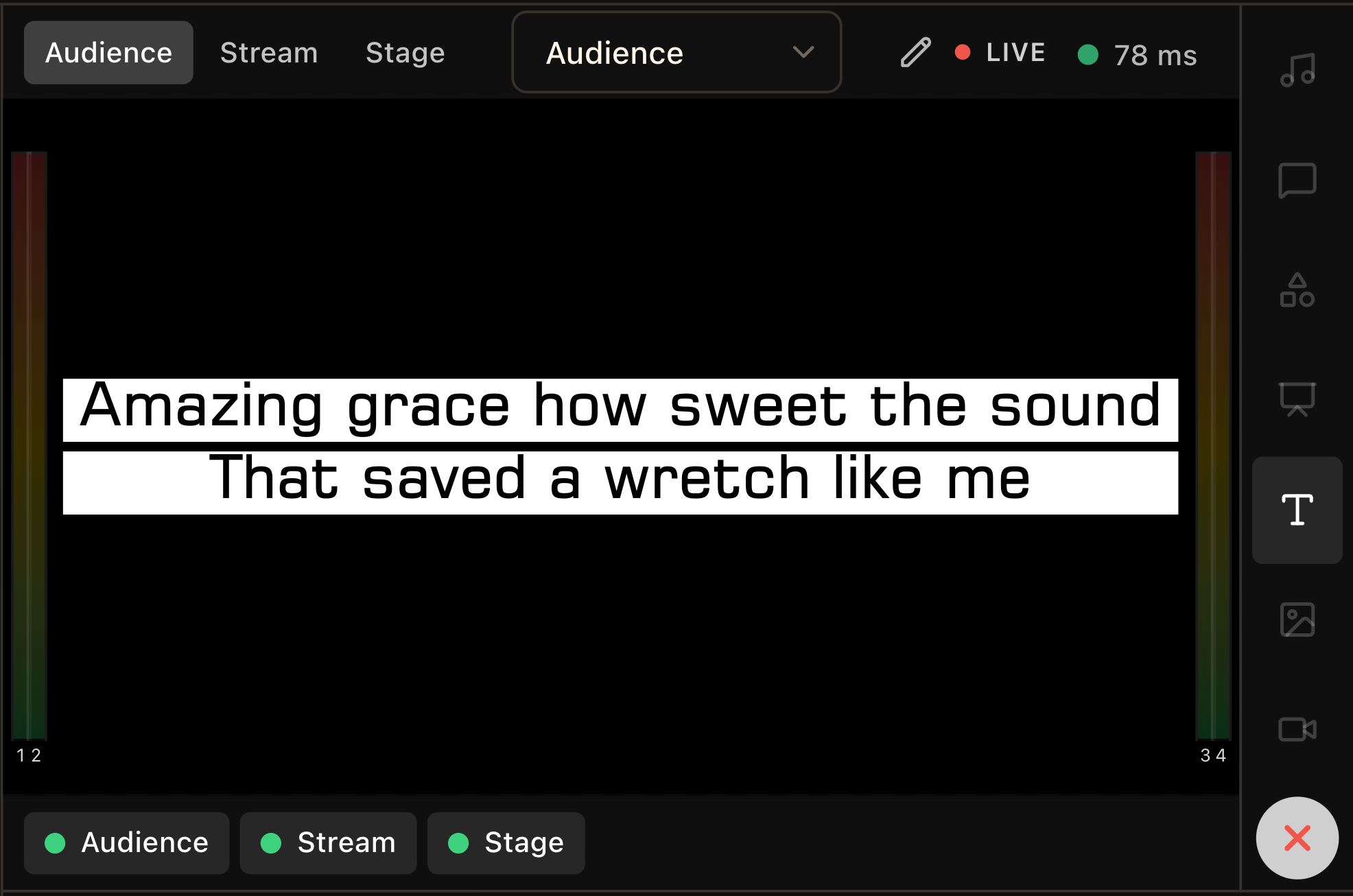
Prepare presentationsUse the main audience output for the room, Stage View for the team, and a transparent stream output in OBS or vMix. Each opens from a link.
Set up Stage ViewThe Bible, main audience output, Stage View, and transparent stream output are part of Free. These are the current limits for content you save and run in the browser.
See the full plan comparison| Free plan item | Included |
|---|---|
| Bible languages on one slide | 2 |
| Saved songs | 15 |
| Song playlists | 1, with 3 songs per playlist |
| Presentations | 15 |
| Music tracks | 5 |
| Live services in the browser | 1 |
01
Start in a browser. You can try LlamaPresenter without installing an app or entering a payment card.
02
Add a Bible passage, a song, and any welcome or announcement slides you need for the service.
03
Put the audience link on the projector computer. Open Stage View and the stream link where your team needs them.
04
Preview the next item, send it live, and advance as the service leader moves through the order.
When you need more
Pro raises the content limits and includes the Mac and Windows desktop app. Its local mode can present content you prepared in advance without an internet connection. Free remains available in the browser for as long as it meets your church’s needs.
Compare plansYes. The browser-based Free plan is $0 forever, with no trial deadline or payment card. You can present Bible verses, lyrics, slides, stage content, and livestream graphics within the Free limits.
Yes. Free includes the main audience screen, Stage View, and a transparent stream output. Add the stream link to broadcast software such as OBS or vMix; that software sends the finished broadcast online.
No. Free runs in a browser. The Mac and Windows desktop app is included with Pro, along with offline local mode for content prepared in advance.
You can keep using what you already made. Free limits stop you from adding more of a limited item; they do not delete existing songs or presentations. Pro raises those limits.
No. The operator runs the console, and each audience, stage, or stream output opens through its own link.
Start with Scripture, a song, and the projector. The Free browser plan has no trial deadline.
No credit card or signup required