Keep song lyrics ready for your service
Prepare songs and their verse order before the service. Then move through the lyrics from the console or your phone.
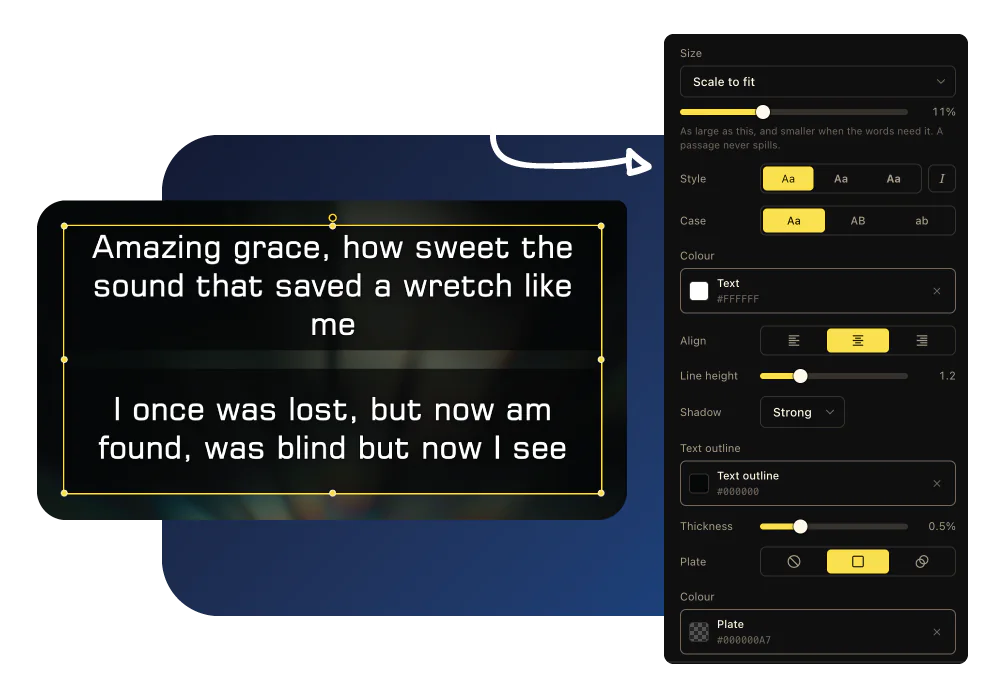
How LlamaPresenter helps
Bring over your songs
Import lyrics from a ProPresenter 7 file or add songs directly to your library.
Arrange verses and choruses
Set the song order and repeat a section without making duplicate slides.
Show lyrics in two languages
Put both languages on the projector and choose what the stage and livestream show.
Play music with your slides on Pro
Add your own audio tracks and play them from the same console as your lyrics.
See it in action
Real screens from LlamaPresenter. Select an image to view it full size.
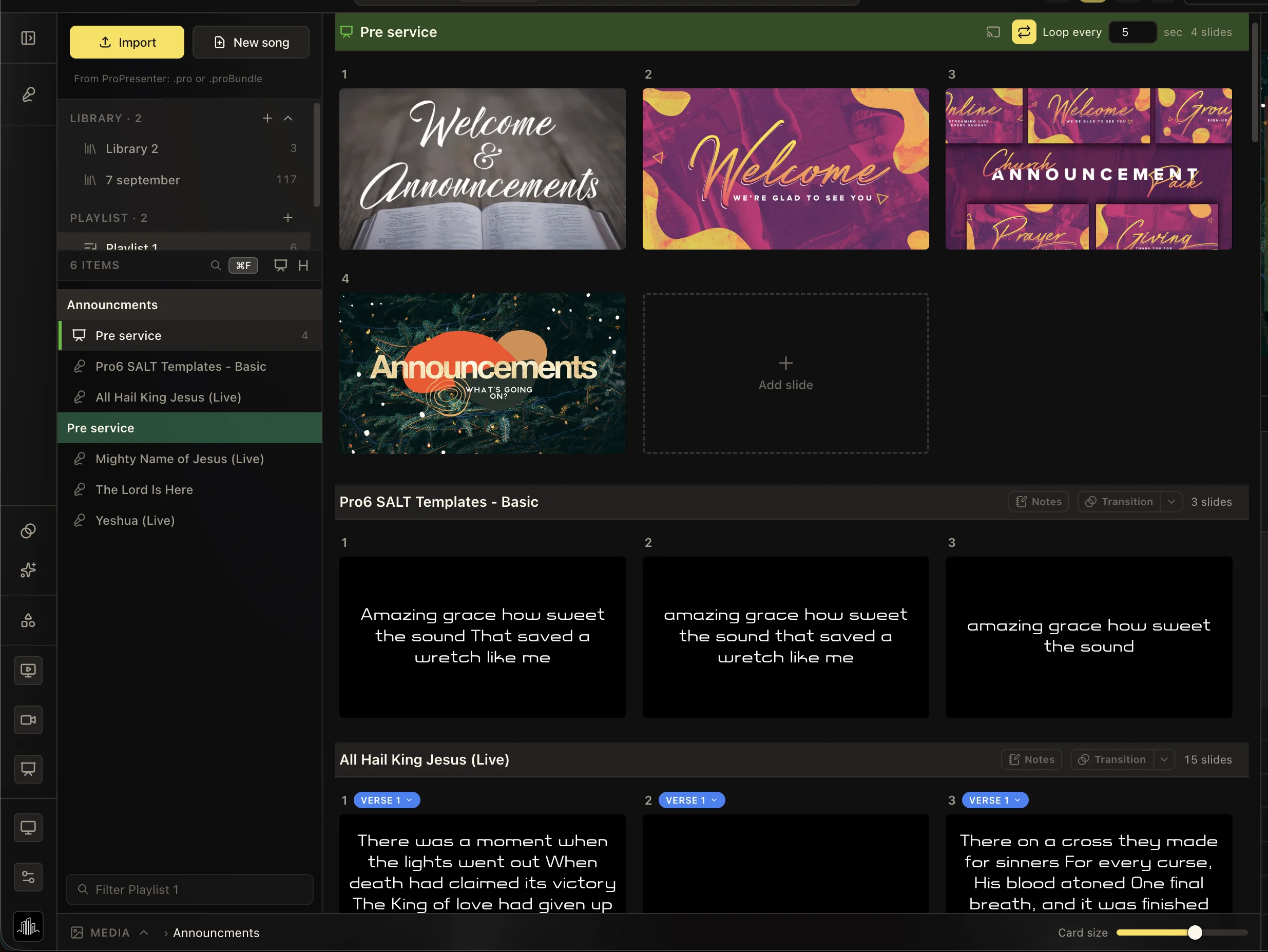
Prepare your worship playlist
Keep songs and presentation slides together in service order.
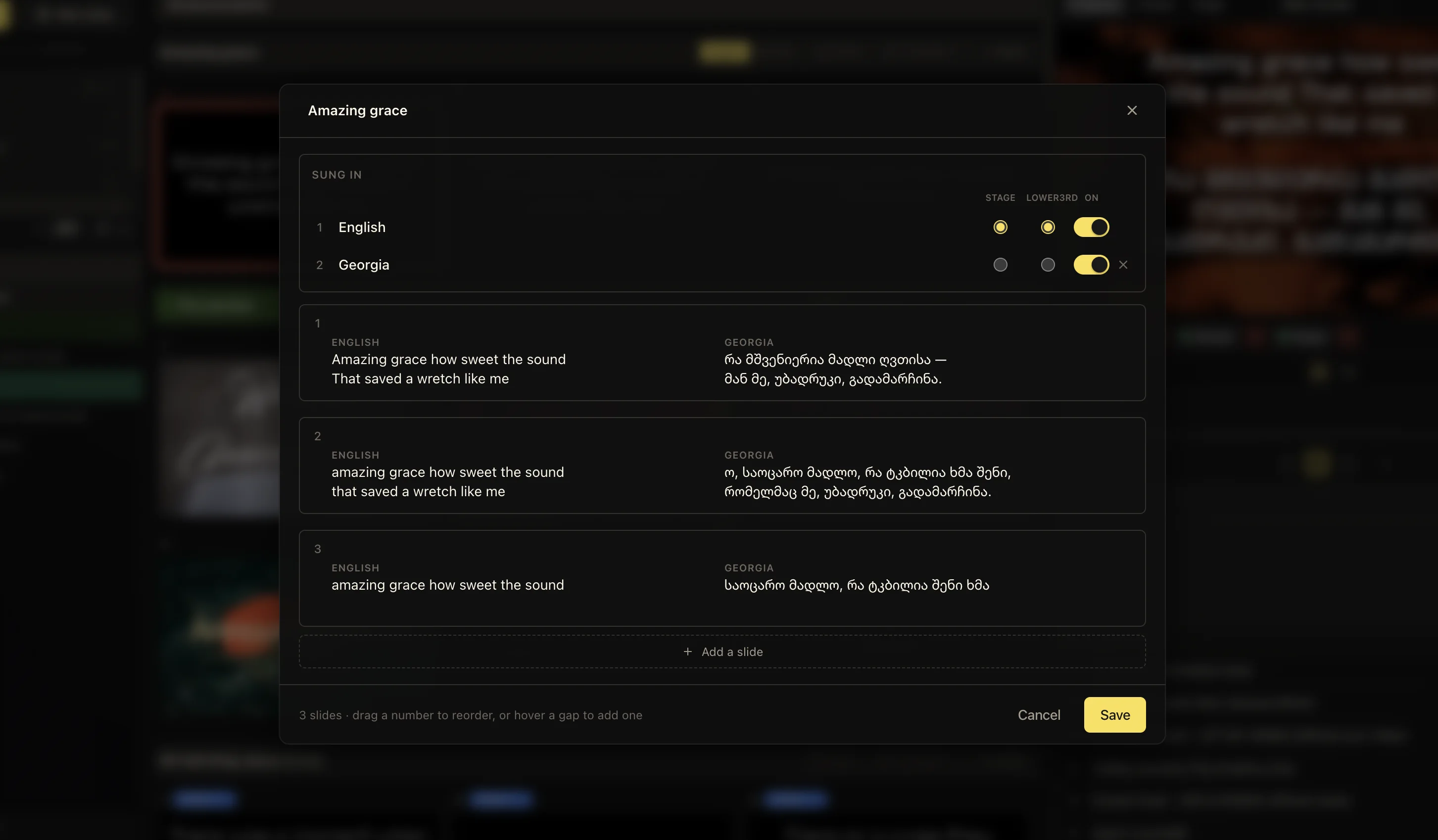
Edit lyrics in multiple languages
Prepare translated lyrics alongside the original song.
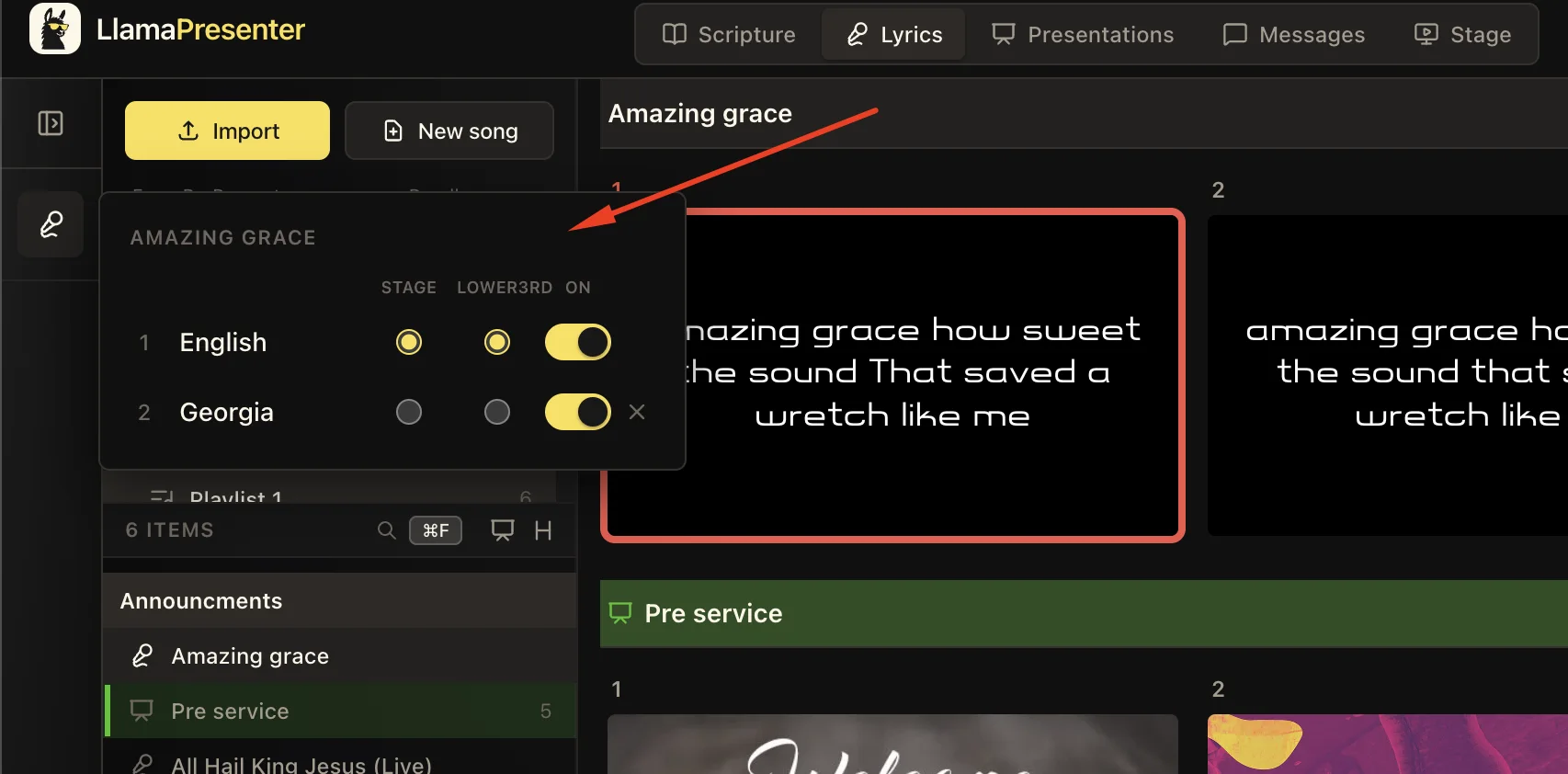
Choose where your lyrics go
Route song languages to the screens that need them.
How to use it
- Import your existing songs or add new ones to your library.
- Build your service running order.
- Send the first section and move through the song with the arrows or your phone.
- Jump to a repeated section without creating duplicate slides.
Questions
Can I import songs from ProPresenter?
Yes. A ProPresenter 7 document or bundle is read for its lyrics, slide by slide, and turned into songs here.
Do you provide the songs themselves?
No. You bring your own lyrics, and your existing CCLI reporting remains with you.
Can the stage screen show something different from the wall?
Yes. The stage carries the current block and what is next, and can carry a different language from the projector.
Explore related features
Multilingual services
Show multiple languages side by side and choose what each screen displays.
Stage display
Show the current slide, next slide, clock, and timer on a screen your team can see.
Lower thirds
Show speaker names and roles over your livestream, then clear them automatically.
Find more examples on the use cases page, and the comparison puts LlamaPresenter beside ProPresenter, EasyWorship, FreeShow and Proclaim.
Try it this Sunday
Start with the free browser app. Pro adds the desktop app and higher limits.
No credit card required