Show speaker names on your livestream
Show a speaker’s name and role over the stream, then clear the card automatically after the time you set.
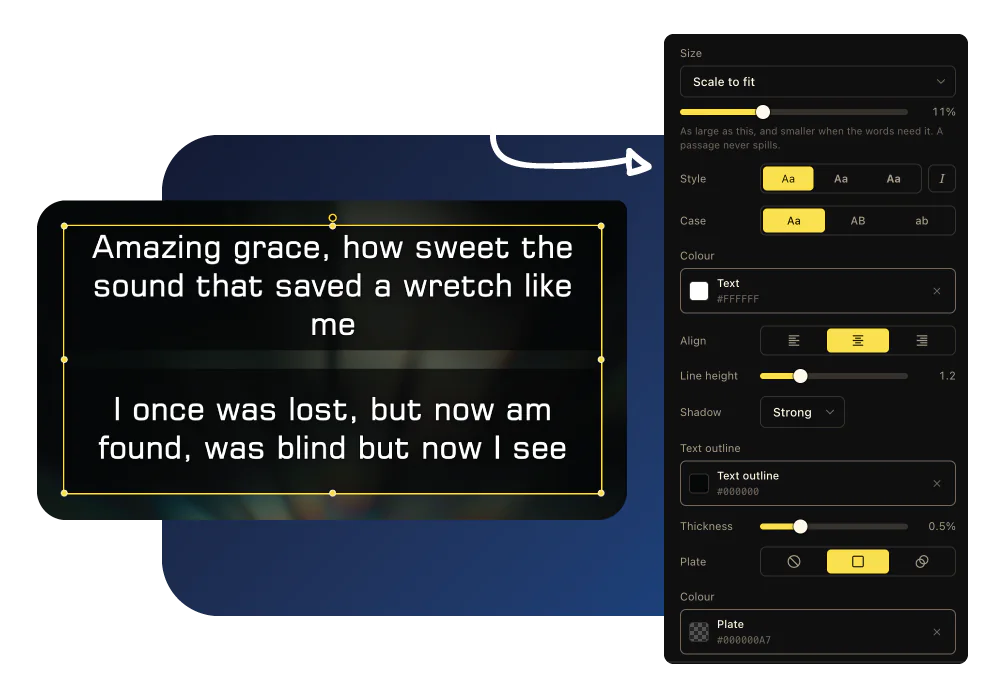
How LlamaPresenter helps
Keep names off the projector
Name cards appear on the stream without changing what the congregation or stage team sees.
Put the name over live video
The card sits over the stream’s current video, Bible verse, or song lyric.
Set how long it stays
Choose the display time. The card clears when that time is over.
Choose a name card design
Use a design and font that fit the look of your service.
See it in the console
Add a Bible translation
Add the Bible versions you need and display them together on the same slide. Switch languages without stopping your service.
Adding a translation from the archive inside the console, and picking it in the language picker
How to use it
- Open the lower third output and add it to your stream as a browser source.
- Enter the speaker's name and role in the console.
- Show the lower third when they start speaking.
- Let it disappear automatically or clear it early.
Questions
How do I add a lower third to an OBS church livestream?
Open the lower third output link and add it to OBS as a browser source, sized to your canvas. It is transparent behind the card, so it sits over your camera.
Will the projector show the lower third?
No. The lower third uses its own output and does not affect the projector or stage.
How long does a lower third stay on screen?
You choose how long it stays on screen.
Can it appear over a Bible verse?
Yes. It can appear over whatever the livestream output is showing.
Explore related features
Livestream graphics
Show Bible verses, lyrics, and lower thirds directly over your church livestream.
Worship song lyrics
Organize songs, set their order, and show lyrics on every screen.
Stage display
Show the current slide, next slide, clock, and timer on a screen your team can see.
Find more examples on the use cases page, and the comparison puts LlamaPresenter beside ProPresenter, EasyWorship, FreeShow and Proclaim.
Try it this Sunday
Start with the free browser app. Pro adds the desktop app and higher limits.
No credit card required