Show clear lyrics on your livestream
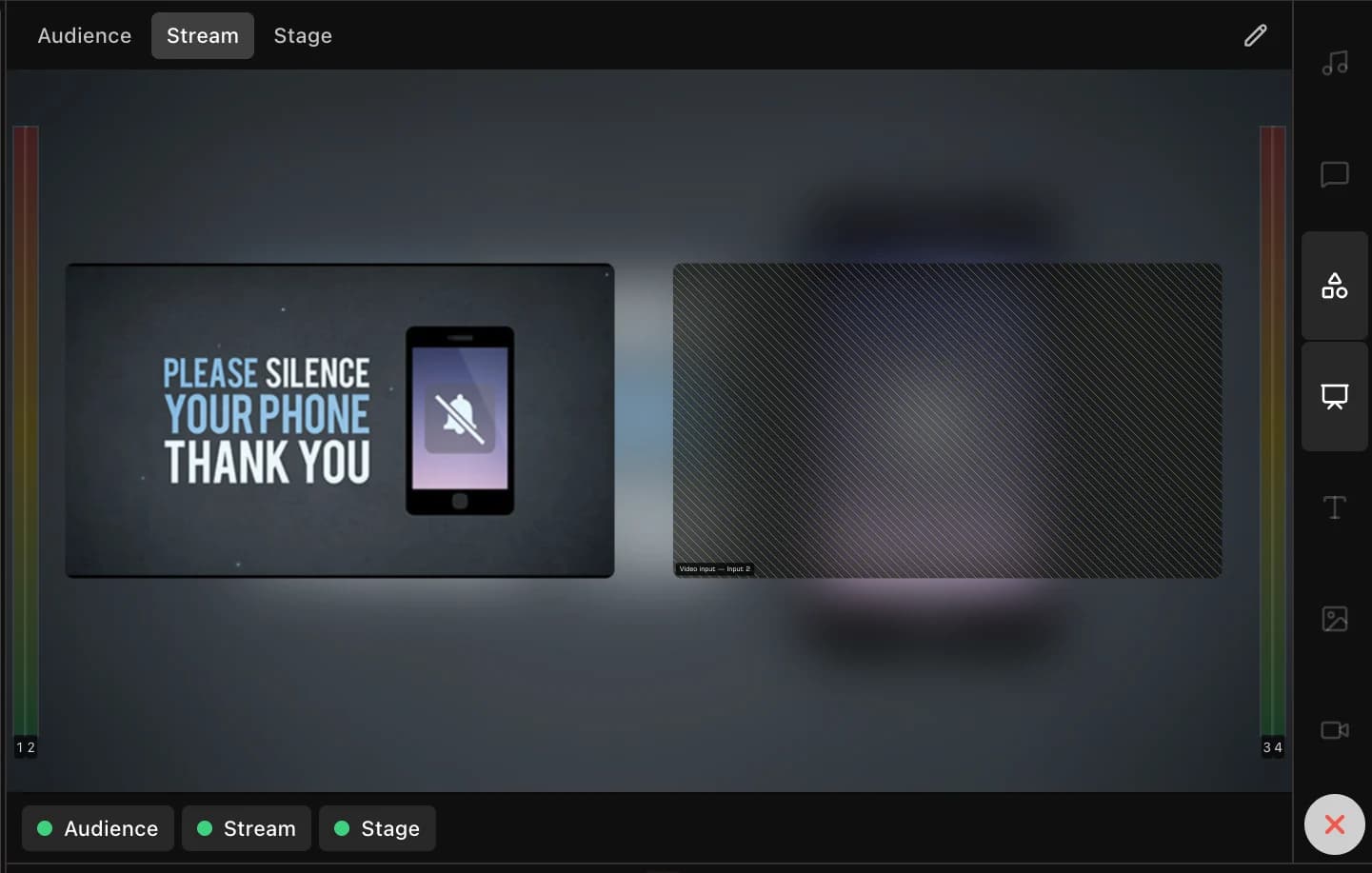
Set up stream graphics separately from the projector. Put lyrics and Bible verses over the camera feed, choose their language, and show the speaker’s name when needed.
Common challenges
- The wall slide is captured into the stream and looks like a photograph of a wall.
- Graphics mean a capture card, a scan converter or an NDI route around the building.
- The online congregation reads a different language from the room.
How LlamaPresenter helps
Add graphics to OBS or vMix
Add the stream link as a transparent browser source. You do not need a capture card for this output.
Place text for the camera view
Use a separate stream layout to position lyrics and verses over video.
Choose a language for the stream
Show one language online while the room sees two, using the same live verse.
Show the speaker’s name
Send a name card to the stream from the console. It clears after the time you set.
Set up your livestream
Put lyrics over camera video, show a logo, and use an NDI feed with Pro if your setup needs one.
How to use it
- Add the stream output to OBS as a browser source.
- Choose the template and the languages it carries.
- Run the service. Verses and lyrics appear over the stream.
- Fire a name card when somebody new starts speaking.
Explore related features
See how these tools work during a service.
Questions
Does it work with OBS?
Yes, as a normal browser source with a transparent background. Anything that takes one will take it.
Do we need NDI or a capture card?
No. The output is a web page rather than a video signal, so it travels as a link.
Can we show a different translation online?
Yes. The languages are chosen per output, so the stream and the wall need not agree.
Other church setups
Multisite churches
Show the same service in another room or campus, with screens set up for each space.
Bilingual churches
Show Bible verses and song lyrics in two languages on the same screen.
Find more examples on the solutions page, and the pricing page shows what is included in Free and Pro.
Try it this Sunday
Start with the free browser app. Pro adds the desktop app and higher limits.
No credit card required