Make Sunday easier for every volunteer
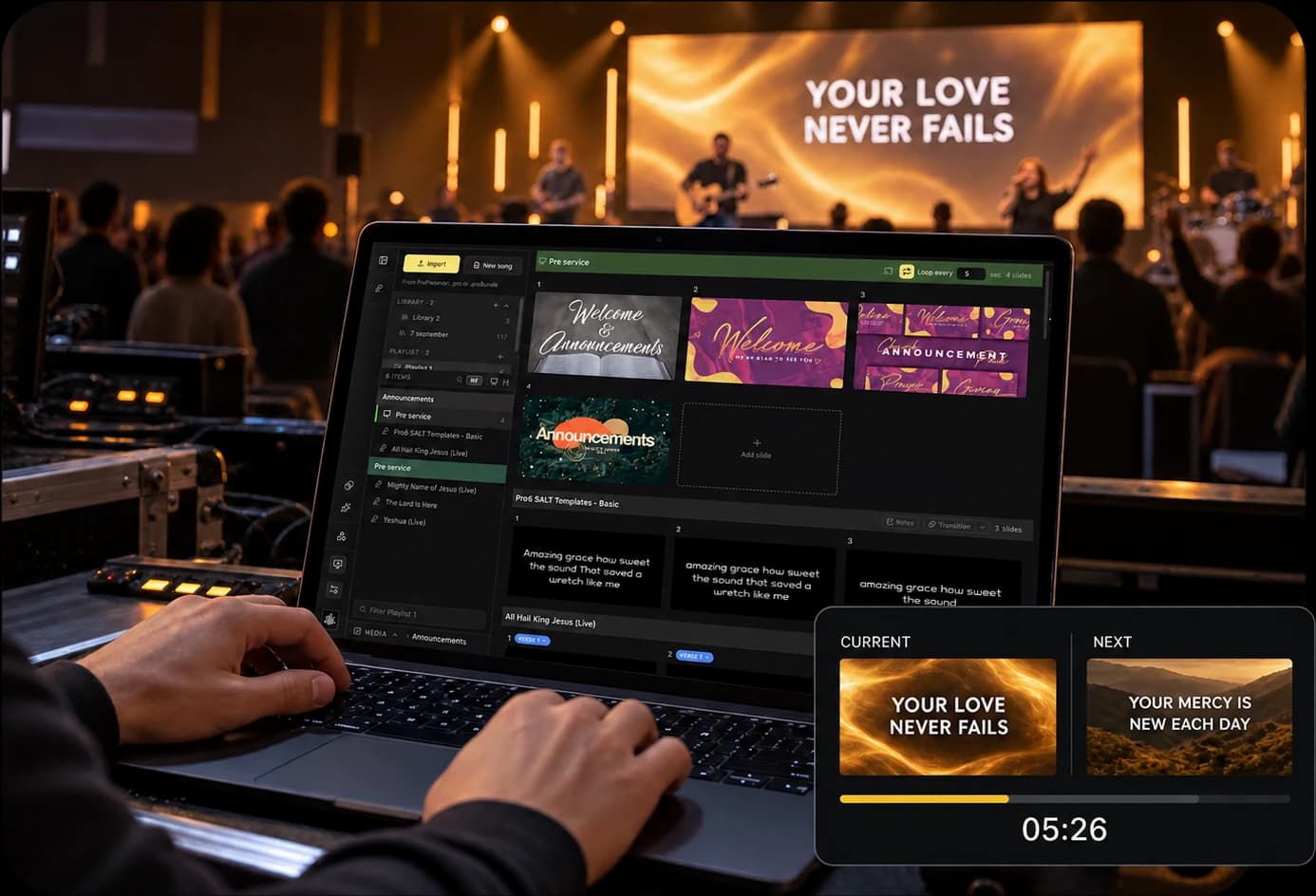
Keep the service, songs, and templates in your church account. Whoever is serving can sign in and run the browser app without setting up software on the booth computer.
Common challenges
- The rota is four people and the install is on one laptop.
- Somebody is a version behind, and the update starts ten minutes before the service.
- Handing over mid-service means handing over the chair.
How LlamaPresenter helps
Sign in to run the service
A volunteer can open the web console on the booth computer without installing an app.
Use the same web app
Volunteers open the current browser version. The desktop app is available with Pro.
Hand over to another volunteer
A second operator can open the same session on a laptop or phone and see the live slide.
Control slides from a phone
Open the console in a phone browser to change slides from elsewhere in the room.
Give the team a clear setup
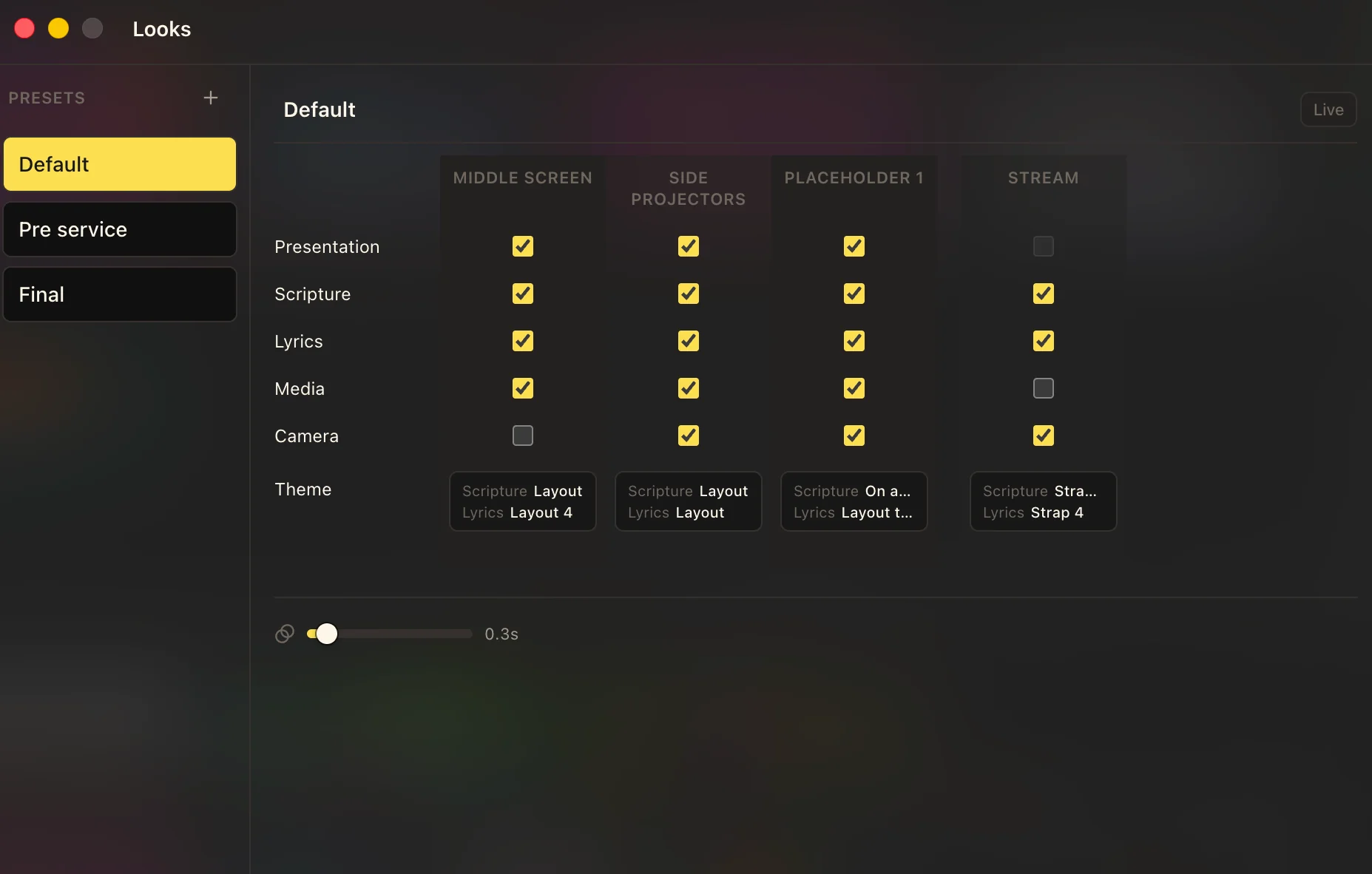
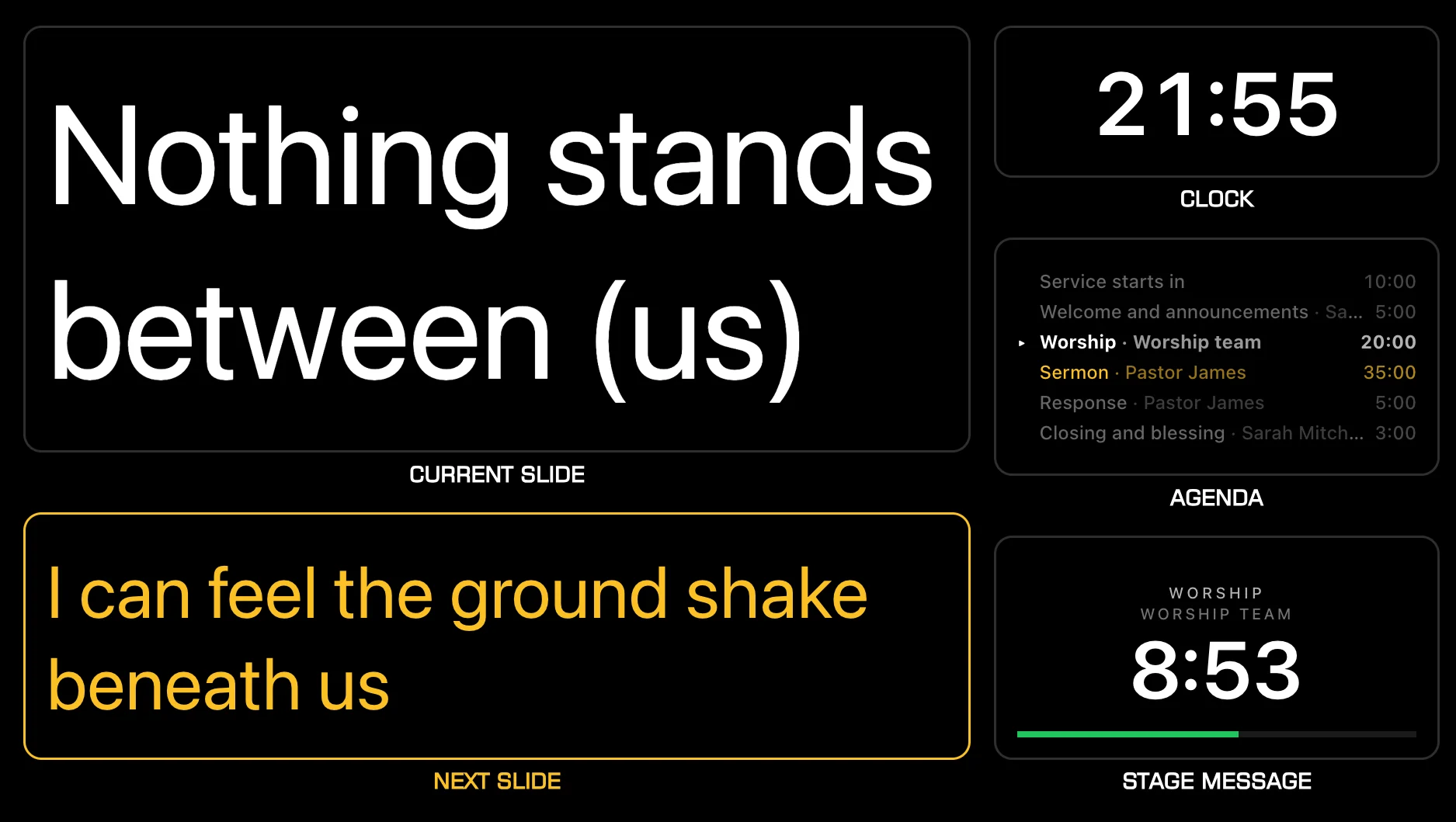
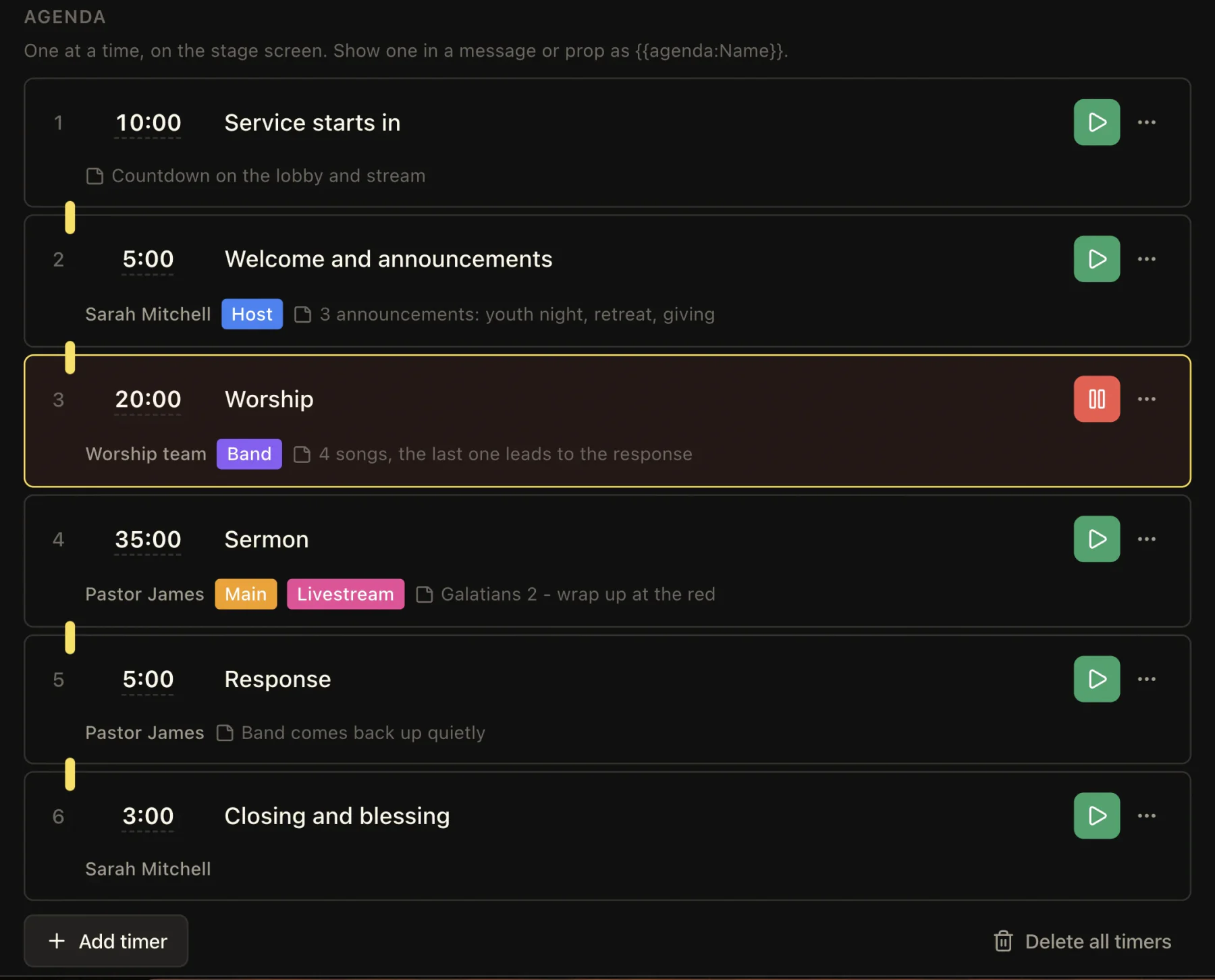
Save screen layouts, give leaders a stage view, and keep service timing visible.
How to use it
- Invite the volunteer to your church account.
- They sign in on the booth computer on the day.
- The service, the songs and the templates are already there.
- Somebody else picks up a phone and takes over mid-service.
Explore related features
See how these tools work during a service.
Stage display
Show the current slide, next slide, clock, and timer on a screen your team can see.
Service timing
Keep your service on schedule with countdowns, a running order, and clear timing for your team.
Bible verses on screen
Find a Bible passage, put it on screen, and move through it one verse at a time.
Questions
How many people can be in the account?
The plans have the numbers. What matters here is that a volunteer is a sign-in rather than another install to license.
Can two people run the service at once?
Yes. Both see the same live slide, so handing over is a matter of who picks up the phone.
Does the projector machine need an account?
No. Every output is an unguessable link, and only the person running the console signs in.
Other church setups
Small churches
Run Bible verses, songs, and screens with a small team and the computer you have.
Worship teams
Give the band its own screen with lyrics, the next slide, and a timer.
Find more examples on the solutions page, and the pricing page shows what is included in Free and Pro.
Try it this Sunday
Start with the free browser app. Pro adds the desktop app and higher limits.
No credit card required